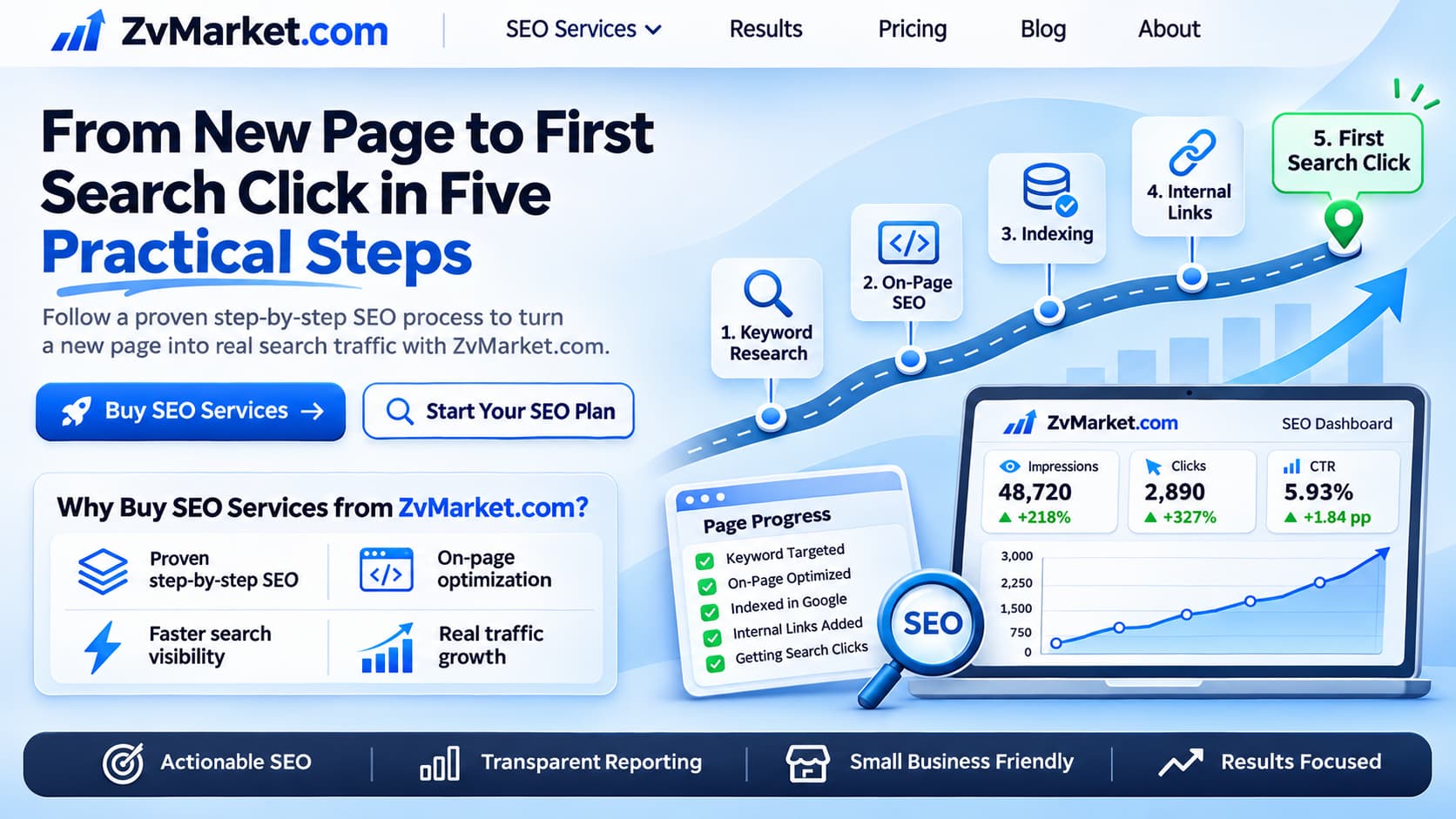
From New Page to First Search Click in Five Practical Steps
-
November 27, 2026
A first search click happens after a page has been discovered, considered for indexing, and shown to someone with a reason to open it. That sequence gives you a way to diagnose a new page. A page with no impressions faces a different problem from one with impressions but no clicks. Work through these five steps in order and record what you learn at each one.
Pick one URL and one clear reader task for this exercise. A gardening company could publish a page that explains its planting design service and a separate guide for choosing plants for a shady yard. This walkthrough works with either, as long as you know which page you are trying to make useful and who should find it.
Step 1. Publish the page for a specific search task
Give the page a descriptive title and a main heading that name the task. Open with the direct answer or offer. Then explain the details a reader needs to act. A page about a pest inspection can describe what the inspection covers, which properties are eligible, and what a customer should prepare. A how-to guide can describe materials, steps, and exceptions with a useful example.
Open the published page in a signed-out browser and on a phone. Confirm the main text is visible, links lead where expected, and any form can be found. Check that the URL uses a stable address you plan to keep. Record the publication date and page purpose. You will need those details when the first data arrives, particularly if several similar pages go live together.
Step 2. Give search engines a clear path to it
Link to the new page from a related page that people can already find. Add the link beside text that explains when to open it. A services hub can link to a new inspection page, and a related guide can link when it describes a problem that requires professional help. Use normal links and point consistently to the preferred URL. Check whether the new URL is listed in your sitemap if the site uses one.
Use Google’s SEO Starter Guide to understand how links and site organization support discovery. A sitemap can also help search engines find a new page, especially if the site is growing quickly. It is still important that a visitor can navigate to the page without typing its address. Do a quick walk from the homepage and count any steps that feel confusing.
Step 3. Inspect indexing before making repeated requests
In Search Console, inspect the exact published address. Review the indexed status and the canonical URL Google selected when those details are available. If a newer page is not yet indexed, test the live URL to see whether it can be fetched. Common problems include unintended noindex settings, access restrictions, redirects to a different page, or a canonical pointing elsewhere.
Fix actual issues first, then use the request indexing option where appropriate. A live test checks current accessibility and does not establish that the page is already in the index. Repeated requests do not turn indexing into a guarantee. Follow Google’s guidance and allow time for crawling. If the page stays unindexed, check for stronger internal links, duplicate versions, and whether the page offers distinct value before changing its address.
Step 4. Watch for the right impressions
Open the Performance report and filter to the URL. Look at the queries that cause the page to appear. New pages may have little data, and some queries may be omitted for privacy. A few impressions for a useful phrase can still help you judge whether Google understands the page. The Ahrefs Search Console guide explains ways to turn the report into practical next steps.
Compare the visible queries with your original page purpose. If people search for a service and see an instructional page, review the links and wording that may be causing confusion. If you get relevant impressions near the lower results, check what stronger pages provide. Record metrics for comparable date ranges. Location, device, and search demand can make short samples noisy.
Step 5. Make one change that helps earn a first search click
If the snippet is vague, update the title or description to describe the page more clearly. If the page misses an important answer, add a concrete section with an example. If few people can find the page, improve internal links from related places. Choose the action that fits the evidence and save an edit date. Resist changing the same page every couple of days while data is still accumulating.
Once you see clicks, check what visitors do next. A service page should make contacting the business straightforward, and a guide should answer the question it promises to answer. Note whether the first click came from a relevant query where Search Console reports it. The real milestone is learning how the page serves a useful audience so you can improve the next one.
Give yourself a review date that suits the amount of data available. At the review, record which step still needs work, which change you made, and what you plan to watch. If there were too few impressions to evaluate an edit, keep the baseline and check again after more comparable data accumulates. That is more useful than changing several parts of the page at once.
Consider an example. A guide to choosing plants for shade is indexed, but most impressions come from people searching for indoor plants. Make the outdoor setting explicit in the introduction and title. If the page never receives useful impressions after the clarification, review whether the topic aligns with questions your customers actually ask.
When a page is ready to be promoted
If the page is accessible, useful, and ready to share, ZvMarket’s First Page Formula package can support manual link-building work around it. Purchasing the service can make sense when you know the audience and need help pursuing relevant placements while you work on the site. Share the live URL and the problem the page solves. Confirm the work and reporting included before buying, and use your performance baseline to judge whether the campaign supports qualified visibility.
You May Also Like

-
Nov 27, 2026
A sold property listing page still receives visitors after a home changes hands. An old email, a bookmark, or a...
Sign up to receive our latest updates
Get in touch
Address
108 Imperial Ave, Winnipeg, MB R2M 0K7, Canada
Wolf@zvmarket.com
