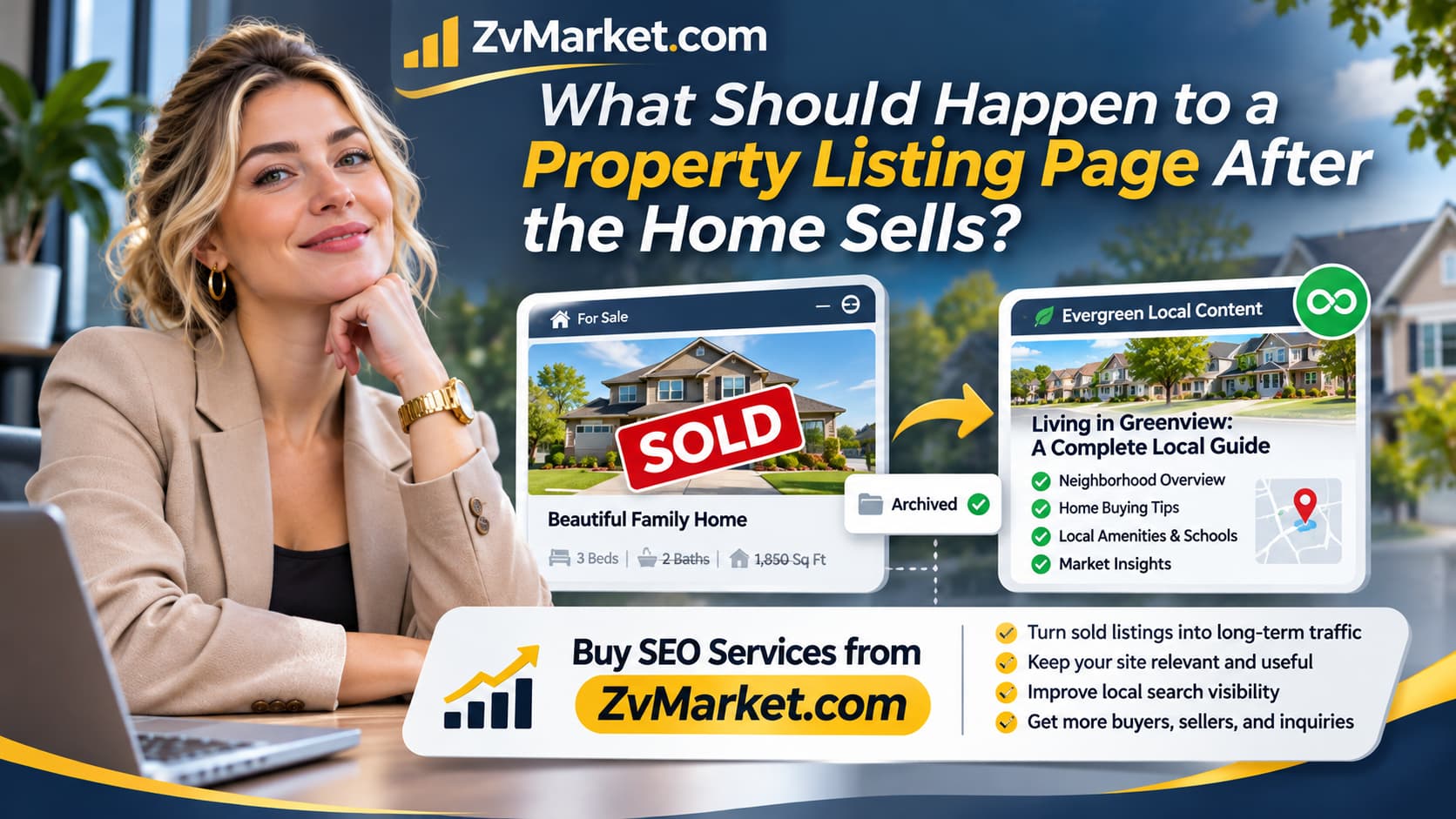
What Should Happen to a Property Listing Page After the Home Sells?
-
November 27, 2026
A sold property listing page still receives visitors after a home changes hands. An old email, a bookmark, or a search result can bring someone to the original URL. The right response depends on what that person can still learn, which information the brokerage can continue to publish, and whether a useful replacement exists. Start by marking the current status clearly wherever the listing remains public.
Set a consistent process for the team. Make a note of who updates availability, who checks the brokerage’s listing and media rules, and who reviews links before a URL changes. A sold home page should avoid creating the impression that a viewing is still available. Give people a relevant next step as soon as they see the new status.
Keep the page when it still answers a useful question
A public archive may help readers see examples of the properties a team has handled, provided the broker has approval to keep the material online. Display the sold status near the top. Remove actions that suggest the property can still be booked and substitute a route to similar current listings or a relevant neighborhood guide. Tell the reader when the archive was last reviewed if details change over time.
Review the images, documents, and property data before treating the page as evergreen. Permissions and publication obligations can differ by marketplace, feed provider, brokerage, and agreement. Check which materials the team can keep and avoid adding private details after the sale. The content that remains should serve a clearly defined reader task. An archive made up of a photo and an obsolete contact button may need a different approach.
Redirect only when the destination makes sense for the visitor
A permanent redirect can be appropriate when a page has moved or there is a close replacement for its purpose. For example, if a listing was published twice and the brokerage is keeping one accurate sold entry, direct the duplicate to the retained URL. If the site changed its address structure, redirect old URLs to the matching pages where possible. Google’s guide to redirects and search explains how permanent and temporary redirects are interpreted.
Think carefully before redirecting every sold listing to the homepage or a general inventory search. Those destinations may leave someone who followed a specific property link confused. A nearby active listing is also a different offer. If there is no equivalent page, a clear retired status or a proper removal may be more useful. Choose the closest meaningful destination and check that links, navigation, and the sitemap reflect that choice.
Remove a page if it no longer has a job or permission expires
Some sold listings need to come down after a sale because the original information cannot be kept or the page provides little remaining value. A server response indicating the URL is unavailable can be appropriate. A helpful site error page can point visitors to active searches, the contact page, or an area guide. Keep the removal date and reason in a private inventory so the website team can explain later changes.
Check whether important internal pages still link to the removed URL. Update featured listings, related pages, and menus so people are not sent down a dead end. If a media file has to be removed, review where it is hosted and where it still appears. Ahrefs technical SEO guide covers broader technical checks around crawling and site maintenance. Follow the brokerage’s approved process before removing information other teams still rely on.
Create a sold-listing workflow the whole team can follow
Start by updating the availability field on the source system where applicable. Confirm what the public page displays, then check the website’s current inventory screen. Review the button, images, data license, and any automatic feed behavior. Decide whether to retain, redirect, or remove the URL. Document the final state and who verified it. Test the result in a signed-out browser rather than relying on an admin preview alone.
If you retain the page, a short section labeled “Looking for a similar home?” can offer a link to an accurate search with relevant filters. You can also link to a neighborhood guide explaining what homes usually look like in that area. Keep the filter flexible enough that it still works when inventory changes. For a particularly useful sold page, decide how often the related links should be checked.
Measure the effect rather than assuming every old page needs traffic
Review Search Console or site analytics for the URL where you have data. Note any useful impressions, referral links, and clicks to a current destination. One listing may matter because a local article links to it. Another may receive no meaningful visits. Give each case the treatment it deserves. Protecting a useful path for visitors can be more important than preserving a raw count of indexable pages.
Choose five sold listings and apply the workflow as a pilot. Record which pages remain, where redirects go, and what visitors see after removal. Ask someone to follow an old link and find a sensible next step. Use the pilot to refine your process before applying it across the whole listing archive.
For example, suppose an agent has a photo-heavy sold page linked by a neighborhood newsletter. The owner has approved retaining a small archive and the brokerage can keep the public facts. Preserve a concise sold summary, remove viewing actions, and provide a link to available properties in the area. If that permission changes, reassess the page and communicate with the newsletter publisher about a useful current link. The correct choice can change when the underlying facts change.
When to buy help with listing and neighborhood SEO
If sold listings, live inventory, and market pages have become difficult to maintain, consider ZvMarket’s Real Estate SEO Expert package. Buying support can help organize an audit and prioritize updates to the landing pages buyers and sellers actually use. Bring a sample of sold URLs, your publication rules, and the most important current sections of the site. Confirm deliverables before buying and use the results to improve navigation, search visibility, and useful contact paths.
You May Also Like
-
Nov 27, 2026
A first search click happens after a page has been discovered, considered for indexing, and shown to someone with a...
Sign up to receive our latest updates
Get in touch
Address
108 Imperial Ave, Winnipeg, MB R2M 0K7, Canada
Wolf@zvmarket.com
