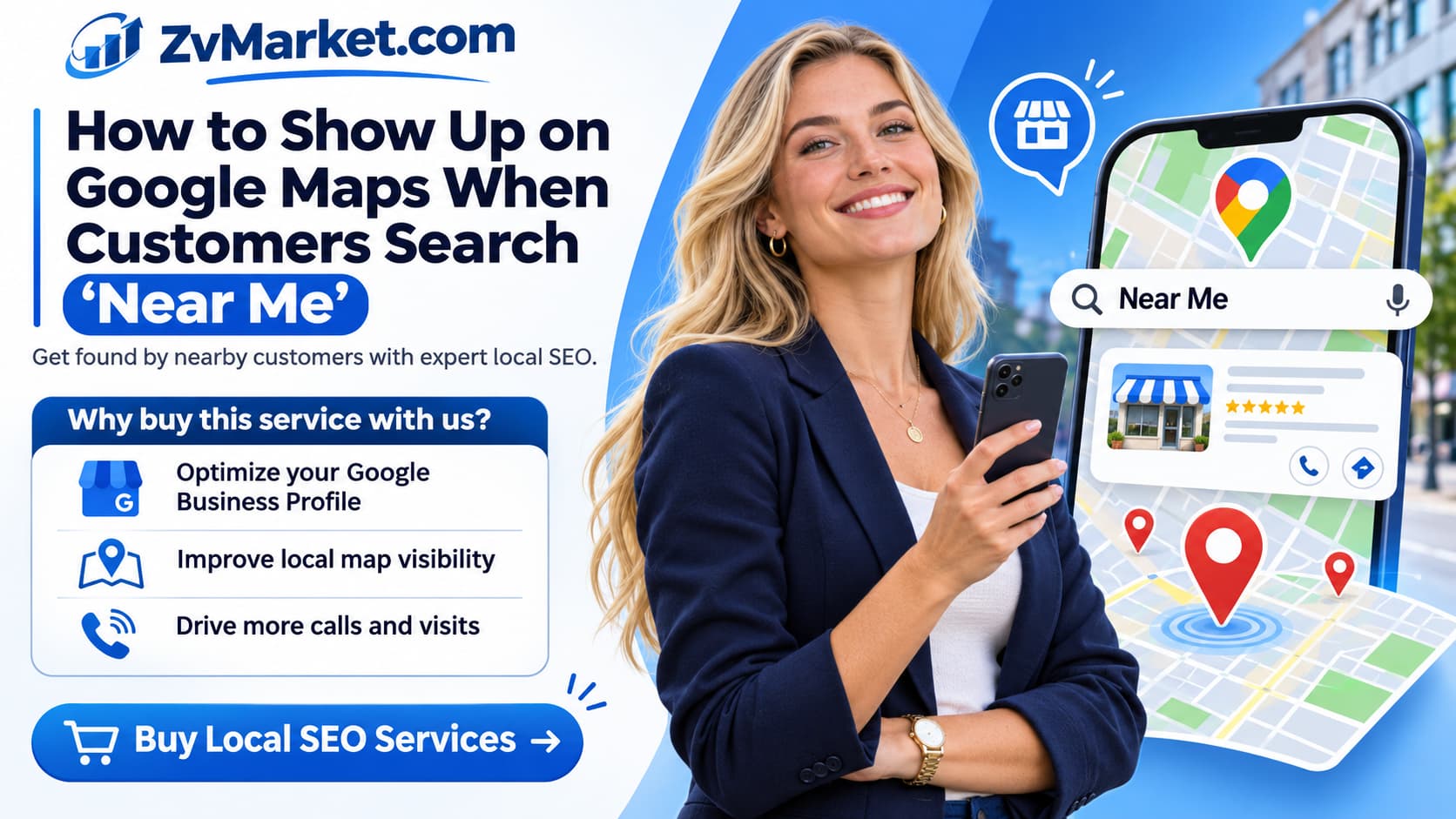
To show up on Google Maps for a near-me search, make it easy for Google and potential customers to understand what your business does and where it serves people. Begin with an eligible, verified Google Business Profile. Then make the information accurate, give customers a useful route from Maps to your website or phone, and measure visibility from the places where they actually search.
A near-me search is local even when the query does not include those words. Someone looking for a phone repair shop while downtown may see different results from someone searching in a neighboring suburb. Start with a goal you can evaluate, such as more relevant calls for same-day repairs during business hours. That will help you choose which information to improve and which searches to monitor.
Check eligibility and claim the correct profile
Search Maps for your real business name and public location, if you have one. If a listing already exists, request access through the normal Business Profile process rather than creating another one. Use your real-world trading name, and choose a primary category that represents the main business. Follow the verification method Google offers for that profile. Keep ownership in a business-managed account so access can be maintained when staff change.
If you visit customers and do not receive them at your address, use the appropriate service-area setup and follow Google’s rules about hiding the address. If you receive customers at a location, ensure your public address, hours, and directions accurately describe what they will find. A virtual address or duplicate profile can make customers and Google less certain where the business operates. Solve identity problems before trying to improve rankings.
Complete the details that affect a customer’s decision
Check your hours, telephone number, website, main category, available services, and holiday hours. Add photos that help people identify the entrance, understand what you sell, or judge the type of work you do. A restaurant might include a legible menu and an exterior photo. A repair shop might show the counter, parking area, and the equipment models it handles. Rotate photos or information when conditions change.
Use the website link that gives people the most useful next step. A single-location shop may link to its homepage or a well-maintained location page. A business with multiple branches can point each eligible location to its own page with hours and contact details. Test the link and phone number from a mobile device. A profile that earns views can still lose customers if the next click takes them to a broken page or a generic form.
Understand what can help you show up on Google Maps
Google describes local results in terms of relevance, distance, and prominence. Relevance concerns the match between a business and the search. Distance reflects the search location Google is using. Prominence considers signals about how well known the business is, including information Google finds elsewhere. Google’s guide to local ranking explains those factors and why a local result changes with the searcher’s context.
You can work on relevance by improving the description of real services, choosing accurate categories, and publishing a useful page for the offer. You can help people recognize the business through accurate listings, genuine reviews, and relevant local mentions. Distance is tied to the actual business and searcher. Repeating “near me” on a website or inventing a branch will not move a real location closer to customers.
Connect your profile with useful local information on the site
Make your phone number, hours, service area, and contact process easy to find. Use the language customers recognize. A plumber might explain what counts as an emergency, where it commonly serves, and which details help dispatch staff. Include a map or directions for a staffed storefront where that helps. A service-area business can explain the towns it actually covers and any visit restrictions.
Claim or correct relevant business listings where customers in your industry look for help. Focus on accuracy and usefulness rather than a high count of directories. A local business association may be a better reference than dozens of obscure listings. BrightLocal’s Business Profile optimization guide offers a useful way to check for practical gaps in the profile.
Review changes from more than one search location
Pick a few searches customers use and compare views from several points in your actual market. Record the approximate location, search phrase, date, and whether the business appears. When practical, compare the same locations and device type over time. Use Business Profile performance data where available to monitor actions such as calls, directions, or website clicks. A single screenshot from your own office is a small sample.
If you see the profile near the storefront but visibility falls in one neighborhood, compare the businesses shown there. If you disappear for a service-specific phrase even near the location, look at category and website relevance. Tie changes to a business outcome. Extra visibility is valuable when the people finding you can actually use your services and reach you during the hours you publish.
Build a simple maintenance routine. Review business information monthly and before holidays, and change it when access, availability, or location changes. Give staff a way to report questions customers ask after finding the profile. Those questions can expose gaps that are easier to fix than trying to infer everything from a ranking chart.
For a concrete starting point, compare what a customer sees when searching your business name and when searching your main service. The first check shows whether the listing is easy to recognize. The second shows who competes for generic local demand. Keep those two checks separate in your tracking sheet.
When to buy local SEO support
If the profile, website, and local listings need coordinated attention, consider ZvMarket’s Local SEO Domination package. Buying support can save time when your team is managing daily operations and has trouble keeping business information consistent across platforms. The package covers Business Profile optimization, local citations, and related website SEO work. Share the real services and areas you want to reach, then ask which deliverables match those priorities and how progress will be measured.
You May Also Like

-
Nov 27, 2026
Real estate market reports can become useful local search pages when they explain what the numbers cover and what a...

-
Nov 27, 2026
To rank a realtor website for useful local searches, make the site easy for buyers and sellers to navigate and...
-
Nov 27, 2026
Local SEO for solo attorneys starts with a specific practice and a manageable market. Larger firms can publish dozens of...
-
Nov 27, 2026
A law firm SEO checklist works best when it follows the route a prospective client takes. Someone sees a local...
Sign up to receive our latest updates
Get in touch
Address
108 Imperial Ave, Winnipeg, MB R2M 0K7, Canada
Wolf@zvmarket.com
