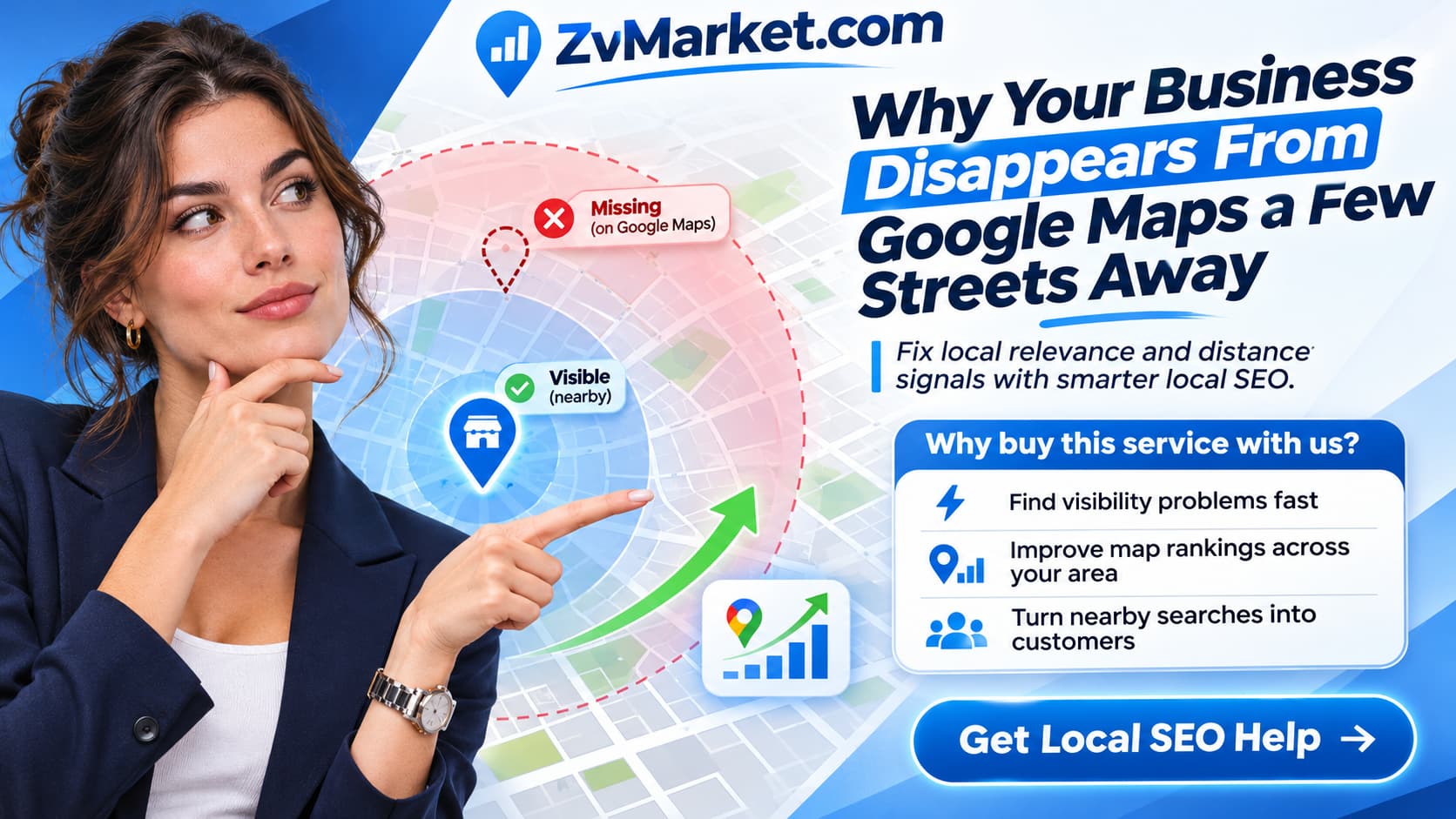
When your business disappears from Google Maps a few streets away, the profile may still be working as expected. Local results depend on who is searching, where Google thinks they are, and what they asked for. A shop can appear near its door and be less visible on the other side of a rail line or shopping district. An abrupt loss across the whole area, especially on a search for the exact business name, calls for a different investigation.
Start by writing down two observations. Record a location where the listing appears for a specific service, and another location where it drops out. Save the exact phrase, approximate search point, date, device, and whether you were looking at Maps or the results in Google Search. This gives you a useful comparison instead of several screenshots taken under different conditions.
Separate a distance pattern from a profile problem
Google describes local ranking in terms of relevance, distance, and prominence. Distance reflects the relationship between the business and the location used for the search. Other businesses can be closer to the searcher or a better match for that particular task. Read Google’s explanation of local ranking to understand why two people can see different listings even when they search for the same service.
Check your own business name and location as a basic visibility test. If the correct profile is findable by name but drops for competitive service searches farther away, you are likely seeing a local ranking pattern. If the listing cannot be found even by name and city across multiple checks, open the owner dashboard and look for verification prompts, changes, or restriction notices. Those are different problems with different fixes.
Compare similar searches at the same places
Choose several points representing real customers. Use two or three variations of the service query, including one with an explicit place name if it is natural. Record results from comparable times and devices when practical. Map searches, generic Google searches, and keyword tracking tools can show different views. Note which surface you used. Treat a single measurement as a sample, especially when timing or location information is imprecise.
Consider a florist that appears for “flower delivery” near its storefront but loses visibility across a bridge. If competing shops are closer on the other side, the result may make sense. If it loses visibility just around the corner for “wedding florist” as well, compare categories, website content, and specialist competitors. BrightLocal’s guide to local rank tracking explains approaches for measuring differences across geographic points.
Review relevance where the business should be competitive
Check the primary category against the core business. Look at specific services listed on the profile, and make sure the linked page explains those services clearly. A business known mainly for bicycle repairs can describe common repairs, accepted bicycle types, turnaround expectations, and how to book. A vague homepage with the word “services” may leave that match unclear. Accurate descriptions help customers choose as well as understand the offer.
Look at the competitors visible from the same search point. Do they serve the exact query, keep longer hours, have a relevant branch nearby, or describe a specialist service on a dedicated page? Record the differences you can verify. Improve information your own business can support. Competitor profiles are useful clues, though a feature on one listing does not prove that feature caused a ranking difference.
Check profile changes and inconsistent information
Confirm the profile has the correct business name, address or service-area setup, hours, and phone. Check the website link and any public listings that customers use to verify the business. If you recently moved, pay particular attention to the old address and any duplicate listing that may remain. Use official tools to fix ownership or verification problems, and keep a record of the changes you make.
A service area tells readers where the business operates. Listing more neighborhoods does not create branches in those places. Keep the areas accurate, explain service limits on the website, and follow the rules for businesses that travel to customers. A wider catchment may require clearer location information, more relevant local outreach, or a realistic decision about which leads your team can handle.
Measure actions alongside rank at each search point
Map rankings can fluctuate while phone calls and direction requests remain steady. Choose a few comparison points and track them over time, then review profile action data alongside them. Decide which neighborhoods matter based on where you actually work and which services customers request. A lower position at the edge of the area may matter less than a confusing phone number or a dead booking link in the center.
Use a simple log with columns for query, location, probable issue, change, and review date. Give each change enough time to observe before replacing it. If a change seems to improve visibility for an irrelevant search, assess whether those visits can become the inquiries you need. The important result is better access for the customers the business is equipped to serve.
A useful check is to ask a customer in an affected neighborhood how they searched and what results made them choose a business. You may hear about hours, parking, a specific service, or a confusing address. Combine those observations with the ranking snapshots to choose the next fix.
Pay attention to changes in the comparison set. A new competitor opening nearby or another shop changing its hours can affect what people see even when you leave your profile alone. Write down changes you can confirm and avoid attributing every movement to a single setting. Compare stable patterns over multiple checks.
When a local visibility audit is worth buying
Consider ZvMarket’s Local SEO Domination package if your Business Profile, website, and citations need coordinated work across an important service area. Buying support can free your team to serve customers while someone reviews consistency and relevance across platforms. Share the queries, neighborhoods, and observations you have already recorded. Ask for the exact scope and reporting, and evaluate success against useful calls and inquiries as well as local visibility.
You May Also Like

-
Nov 27, 2026
Real estate market reports can become useful local search pages when they explain what the numbers cover and what a...

-
Nov 27, 2026
To rank a realtor website for useful local searches, make the site easy for buyers and sellers to navigate and...

-
Nov 27, 2026
Local SEO for solo attorneys starts with a specific practice and a manageable market. Larger firms can publish dozens of...

-
Nov 27, 2026
A law firm SEO checklist works best when it follows the route a prospective client takes. Someone sees a local...
Sign up to receive our latest updates
Get in touch
Address
108 Imperial Ave, Winnipeg, MB R2M 0K7, Canada
Wolf@zvmarket.com
