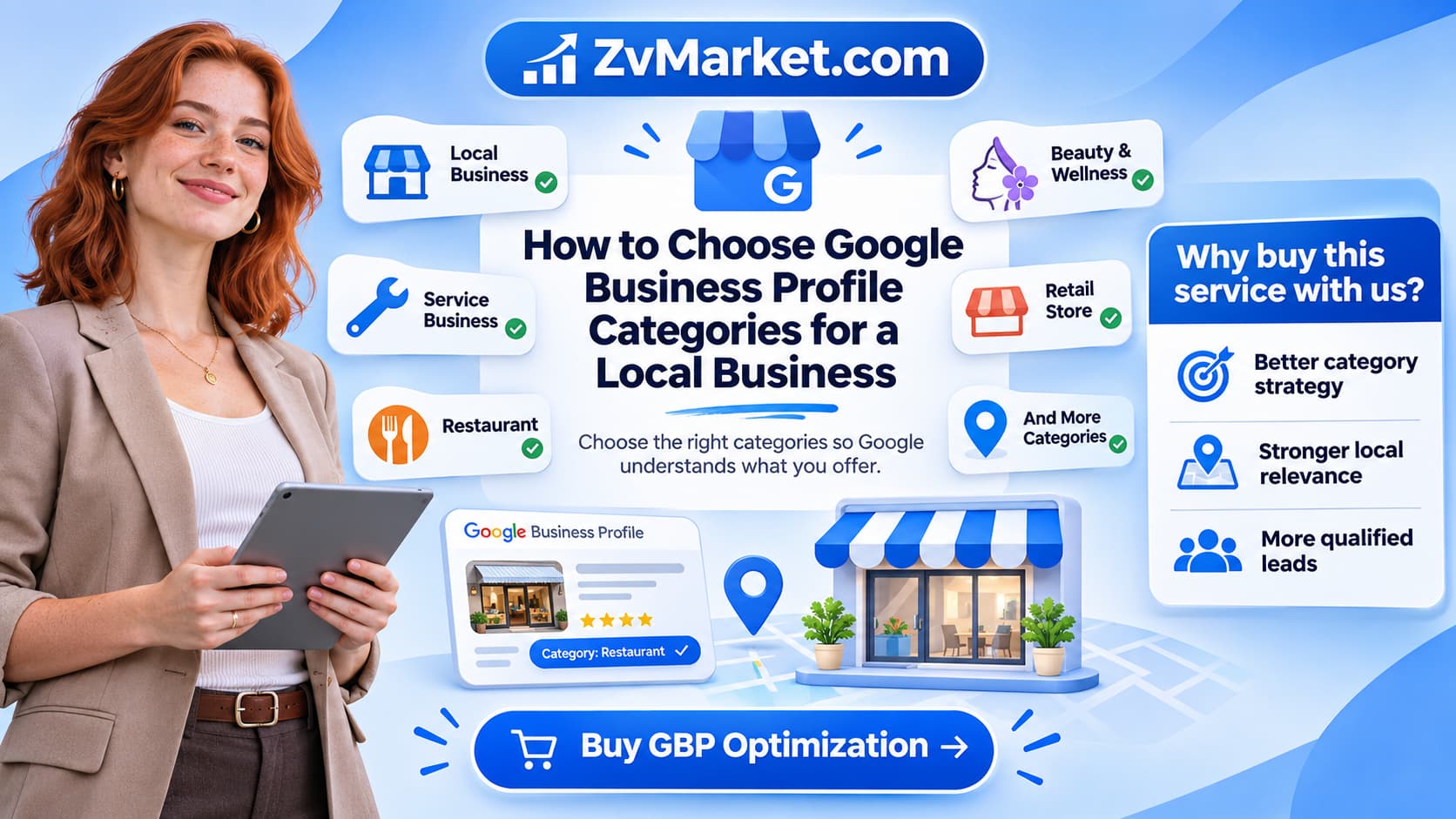
Google Business Profile categories tell Google and customers what kind of local business you operate. The primary category should describe the main business that people can actually visit or hire. Additional categories can describe other genuine parts of the operation. A useful category decision begins with the identity of the business and the services it delivers, then takes account of what customers see in the available options.
Start by asking how you would describe the business to a new customer in one plain sentence. “We repair bicycles and sell replacement parts” suggests a different primary category from “We sell bicycles and run a small repair desk.” The activity that best describes the core business should guide the choice. Use business records and day-to-day operations as evidence when several people disagree.
List what the business does before opening the category editor
Write down the main activities, the customers who use them, and the services or products you provide regularly. Separate genuine lines of business from individual tasks. A bicycle repair shop may carry out brake adjustments, flat tire repairs, and wheel alignment. Those are useful service details. The available category that describes the shop generally will make more sense than treating every task as a separate business.
For a company with multiple branches, check what each location actually offers. A flagship store may have a workshop while a smaller branch only sells products. The difference matters if the profile represents that physical location. Avoid assuming that a category must be identical across every branch when the local operations differ. Use the clearest description customers would agree with at that branch.
Select a specific and accurate primary category
Open the profile’s business information and review the categories available for your location and language. Search for the exact kind of business and then for closely related alternatives. Google offers a predefined list. If your precise label is unavailable, pick the nearest accurate description you can support. A more specific category is useful when it accurately describes the business as a whole or as operated at the location.
Consult Google’s business representation guidelines for its advice to choose the fewest categories needed to describe the core business. BrightLocal’s guide to Business Profile categories walks through how to examine options and compare local listings. Competitors can help you discover terminology, but their choices are useful only when their businesses operate like yours.
Use additional categories for real secondary activities
Ask whether someone arriving because of the additional category could reliably get that service from the business. A bike retailer with a staffed workshop might add an accurate repair category if it regularly handles public repairs. A retailer that only installs an accessory with a purchase should avoid giving the impression that it runs a full repair operation. Check what your location can actually provide before you expand its category list.
Keep services, products, and categories separate. Use the relevant service fields or website pages for details, brands, and tasks. Customers should still be able to find an important secondary offer when they open the profile or website. Give it a clear description, explain any limits, and use photos when they help someone understand the offer. Categories work best when the rest of the listing supports them.
Compare results without copying competitors
Review the profiles that appear for a few searches you care about. Look at the business model and location as well as the label. A business listed as a general contractor may have a different offer from a specialist company that only installs windows. If your company provides only the specialist service, choose the truthful fit and build a useful page explaining it. Borrowing a broad category to appear for more searches can create mismatched leads.
Record what else might explain the results, such as proximity, hours, and whether a business offers exactly the searched service. A category can help make the profile relevant, but one search result cannot show how much any one setting contributed. Compare several observations before treating a category choice as the cause of a ranking result.
Document the change and review it in context
Write down the old and new categories, why you selected them, and when you made the change. Check the public profile and linked website to confirm they tell a consistent story. Watch profile actions such as calls or website clicks where available, and ask front-line staff whether the inquiries match what the business offers. This is especially useful when changing from a broad label to a more specific one.
Avoid making several profile changes together unless a correction needs to happen quickly. A short change log helps later reviewers understand why the category was selected. Revisit it if your business opens a new service line or a location changes its main function. There is little reason to keep swapping primary categories in pursuit of daily rank changes.
Use one final test with someone outside the marketing team. Show them the proposed category and the public offer and ask what they would expect to buy or book. If that expectation does not match reality, recheck the category and supporting text. A coherent profile helps both searchers and staff.
For a seasonal business, distinguish changes to the calendar from changes to the business itself. A garden center may sell holiday goods part of the year while remaining a garden center. Update the products, hours, and photos people need for that season. Review the primary category when the business’s main operation really changes. This keeps a short-term promotion from creating expectations the business cannot satisfy in other months.
When to get help with profile categories
If several locations or an unclear profile make the decision difficult, ZvMarket’s Local SEO Domination package includes Business Profile optimization, citations, and related on-page work. Buying support can help you coordinate categories, service descriptions, and website information around the same real offer. Bring a list of services each location provides and the customers you want to reach. Confirm which locations and tasks are covered, then measure whether the profile leads to more relevant conversations.
You May Also Like

-
Nov 27, 2026
Real estate market reports can become useful local search pages when they explain what the numbers cover and what a...

-
Nov 27, 2026
To rank a realtor website for useful local searches, make the site easy for buyers and sellers to navigate and...

-
Nov 27, 2026
Local SEO for solo attorneys starts with a specific practice and a manageable market. Larger firms can publish dozens of...

-
Nov 27, 2026
A law firm SEO checklist works best when it follows the route a prospective client takes. Someone sees a local...
Sign up to receive our latest updates
Get in touch
Address
108 Imperial Ave, Winnipeg, MB R2M 0K7, Canada
Wolf@zvmarket.com
