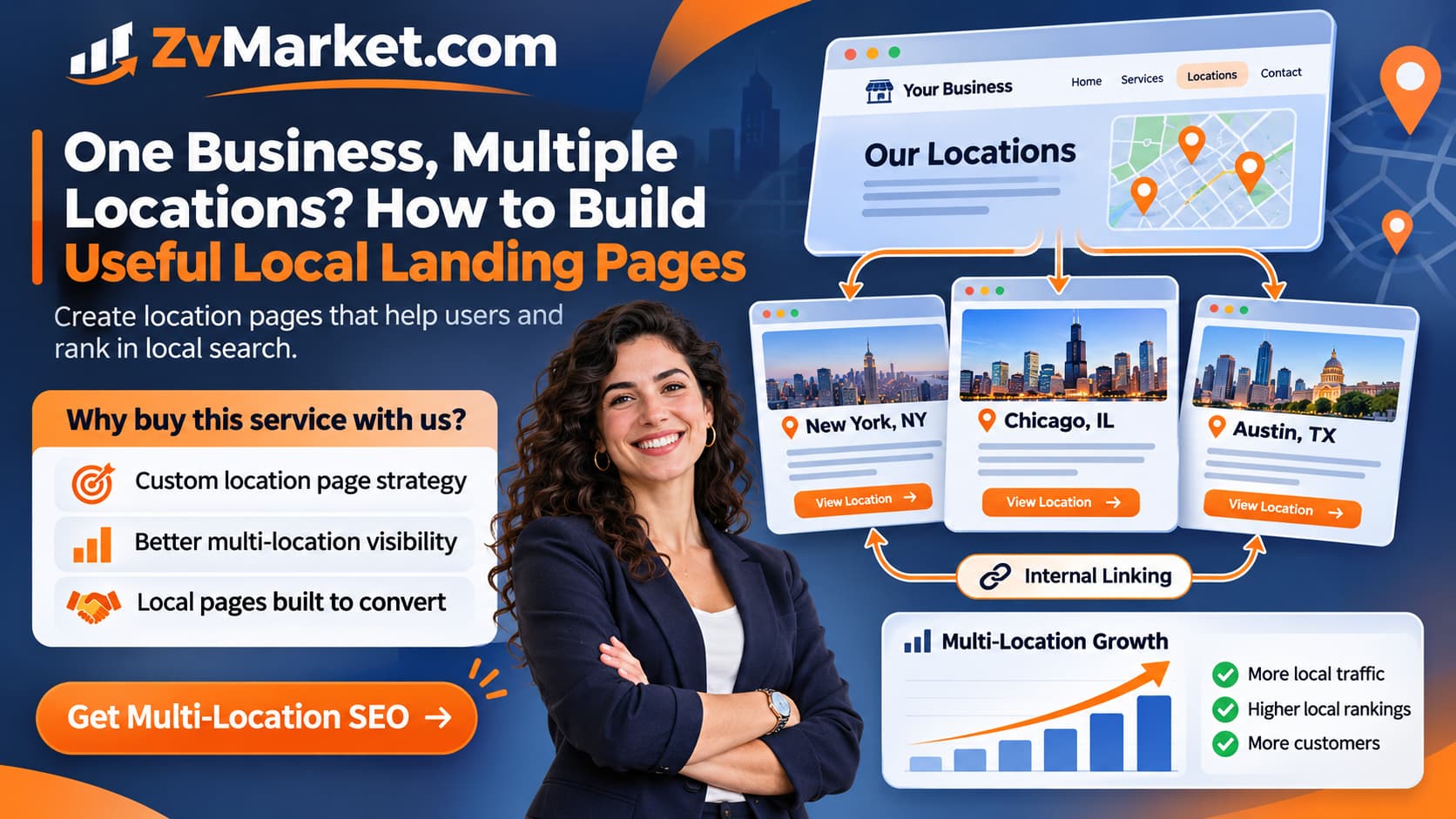
Useful local landing pages help customers choose the right branch, understand what it offers, and complete the next step. Each page should answer questions that are specific to that location. Hours, parking, staff, services, and availability can change across a business even when every branch shares a logo. A well-organized site makes those differences easy to find and keeps the details consistent with public listings.
Start with a simple inventory of real operating locations and the customers each one serves. A chain with three staffed clinics has a different setup from a single company that sends crews to several towns. Build pages around useful locations or well-defined service areas. Use language that accurately describes the business model. A city page should never imply an office, storefront, or team in a place where they do not exist.
Decide which local landing pages deserve to exist
A location page is useful when customers can act on information that differs by place. Examples include address, local hours, the services available at that branch, who answers the phone, booking rules, parking, and accessibility. If a team travels to customers, a service-area page might be useful where the travel arrangements, availability, or local questions genuinely differ. Many businesses can cover neighboring areas clearly on one service-area page.
For each proposed page, write down the question it will answer and the evidence you can provide. If all you have is the same text with a different city name, ask what a visitor would learn from the new page. Publish only when the page helps people make a decision. BrightLocal’s location page guide provides examples of useful branch-specific information.
Start with details customers need before visiting or booking
Display the branch name, address if it is a public location, hours, local contact details, and the next action. Explain how appointments, walk-ins, or callouts work at that branch. State which services are available and any limits a customer might encounter. A service company that visits customers can explain common areas covered and what information it needs to confirm a visit.
Add directions where they solve a real problem. Tell readers whether the entrance is on a side street, which floor the office occupies, or how to access parking. Mention mobility access or booking requirements if applicable. Test the directions link and phone number on a mobile device. Include honest details that prevent someone from traveling to the wrong location or choosing a branch that cannot handle their request.
Use a shared layout and write branch-specific content
A consistent layout helps repeat customers scan every page. Reuse the order of sections and style of contact links. Fill those sections with information the branch team can verify. For example, one bicycle shop might offer same-day puncture repairs and storage for large cargo bikes. Another may handle bookings only and have a smaller workshop. Both fit the same page layout, but each helps the customer make a different choice.
Use current local photos and real examples where you have permission. Ask branch staff which questions they hear most. A helpful answer might cover parking, lead times, or what to bring to an appointment. Avoid using neighborhood names in every heading. Clear instructions, actual services, and genuine examples give each page a reason to exist.
Connect the pages with a location finder and accurate profiles
Create a locations hub that lists real branches by area and gives each a descriptive link. Add individual links where relevant from service and help pages. On the location page, provide one obvious route to booking or contact and link back to the hub when visitors might need to compare branches. Keep a stable URL and use it consistently in navigation and other references.
Where a branch has an eligible Google Business Profile, consider pointing its website link to the corresponding page. Keep hours and addresses aligned across the page and the profile. If your developer uses structured data, make sure it reflects visible branch details and suits the page. Google’s LocalBusiness structured data documentation explains the supported fields and examples. Good markup supports the information already available to readers.
Make it easy to maintain each location page
Assign a person to confirm information when hours change, a service moves, or a location closes. Store details in an inventory so the website, profile, and main citations can be corrected together. Keep working contact links and review the pages before holidays and major local changes. If a location closes, consider what readers need from its old URL when choosing how to update or redirect it.
Measure visits and useful actions such as branch calls, directions, or booking starts where your tools support them. Compare each page against its own history rather than expecting every branch to attract the same search demand. Low traffic may be less important than whether the people who do arrive can find the right entrance and choose a service that branch provides.
Before launch, have one person unfamiliar with a branch try to plan a visit using only its page. Note any questions they cannot answer. This small exercise can reveal gaps in real-world directions, confusing service information, or booking links that point to the wrong location.
As an example, a company with three appliance service branches might add a table to its location finder with the branch, booking method, and types of equipment each team handles. The branch page can then give detailed directions, any appointment restrictions, and the local phone number. The table helps a visitor choose quickly, while the page helps them complete the visit. Keep the comparison current when an offer moves from one branch to another.
When to buy support for location pages
If several branches have inconsistent details and the website needs clearer pages, consider ZvMarket’s Local SEO Domination package. Buying support can help coordinate website optimization, Business Profile information, and local citations around accurate branch details. Bring your real location inventory and flag the branches with the biggest gaps. Confirm which pages and profiles the package covers and agree on the inquiries or bookings you want to measure.
You May Also Like

-
Nov 27, 2026
Real estate market reports can become useful local search pages when they explain what the numbers cover and what a...

-
Nov 27, 2026
To rank a realtor website for useful local searches, make the site easy for buyers and sellers to navigate and...

-
Nov 27, 2026
Local SEO for solo attorneys starts with a specific practice and a manageable market. Larger firms can publish dozens of...

-
Nov 27, 2026
A law firm SEO checklist works best when it follows the route a prospective client takes. Someone sees a local...
Sign up to receive our latest updates
Get in touch
Address
108 Imperial Ave, Winnipeg, MB R2M 0K7, Canada
Wolf@zvmarket.com
