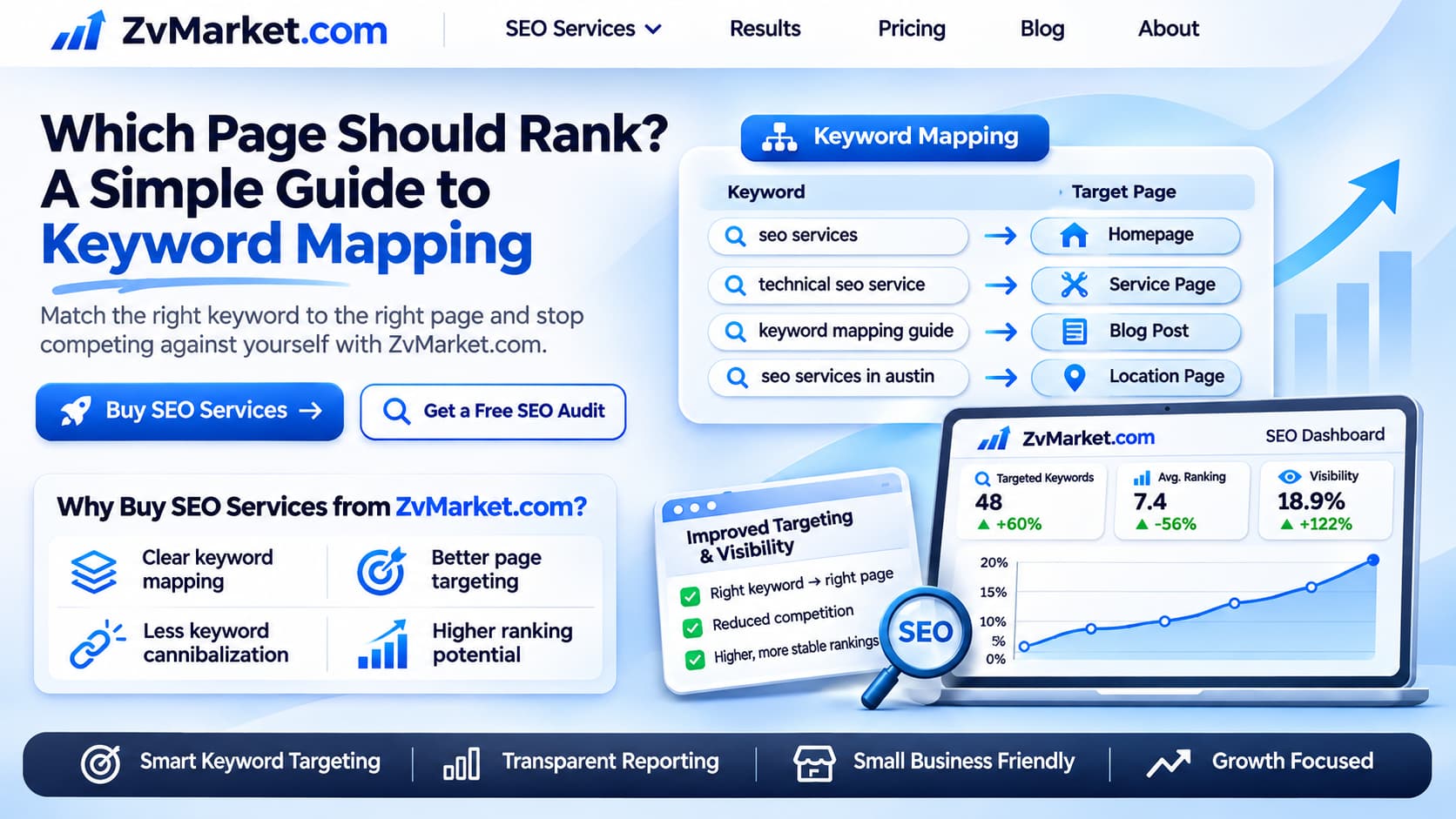
Which Page Should Rank? A Simple Guide to Keyword Mapping
-
November 27, 2026
Keyword mapping matches a group of searches to the page best equipped to answer them. It is a practical editing decision you can put in a spreadsheet. Start with the pages you already have, look at what people want when they search, and assign each group a main destination. A clear map helps you avoid commissioning two articles for the same task or sending a ready-to-buy visitor to a general guide.
Think of a landscaping company that offers both lawn care and full garden design. “Weekly lawn mowing service” belongs on a lawn-care page. “How to plan a low-maintenance garden” may belong in a guide. “Garden designers near me” can lead to a commercial page that explains consultations or shows examples. Start with the job the searcher wants to complete, then choose the most useful page type.
Set up a keyword mapping worksheet
Use one row per group of related queries. Include a representative phrase, close variants, search intent, intended URL, current ranking URL if known, and a proposed action. Add a short explanation when two pages are similar. The worksheet is most useful when someone else can read it and understand why you chose the destination. A row labeled “build a service page” needs a real page concept and reader decision.
List your current service pages, guides, product categories, and useful location pages. For each one, write a sentence that describes the job it serves today. A generic page with several headings about unrelated offers may need clearer boundaries before it can be mapped. The Ahrefs keyword mapping guide has a worked example and shows how a mapping sheet can support planning.
Group keywords that deserve the same answer
Search a few related terms in the market you serve and compare the top results. Similar terms can have different intentions, and differently worded terms can point to the same task. “How to level a small backyard” and “yard grading company near me” both concern uneven ground. The first searcher may want instructions, and the second may want a contractor. The same page rarely does both jobs equally well.
On the other hand, “small yard grading service” and “backyard leveling service” may have similar results and represent the same offer. Use one page with natural language, clear examples, and the information both audiences need. Adding one URL per wording makes updates harder and can leave visitors with shallow pages. The purpose of a group is to choose a destination that covers related questions well.
Choose the best existing page before proposing a new one
Ask whether an existing page can genuinely serve the query. Consider its format, the work already invested in it, available examples, and the action it supports. If it has relevant impressions or links, build on that evidence. An old service page that already attracts quote requests may deserve clearer copy and stronger proof. A new guide can be appropriate when the old page cannot answer instructional questions without burying the offer.
Check the result format for the representative phrase. If it is mainly service pages, make sure your chosen URL explains the offer, location or audience, costs or scope, and next action. If it is mainly guides, write a brief that covers the reader’s questions with examples. The same phrase can work differently across markets, so record when and where you inspected the results.
Review overlaps with Search Console data
Open Performance, filter to a relevant query, and check which URLs show impressions. Multiple URLs may be reasonable. A service page may suit someone in a buying mood and a guide may help someone comparing options. Look deeper when pages repeatedly exchange visibility and offer almost the same answer. Google’s Search Console guide explains where to find the performance information.
When there is overlap, assign the clearer destination and update navigation and internal links accordingly. Explain how the supporting page should differ. If two articles truly duplicate the same work, evaluate consolidation carefully. Confirm where old links point and which pieces of useful content should carry over. A redirect is a publishing and maintenance choice, so document the source and destination before anything changes.
Turn the map into a short list of changes
Label each row keep, improve, create, or consider consolidation. Sort by the usefulness of the audience and how ready the page is. Improve a page that already has visibility and a clear business purpose before building out dozens of speculative topics. A strong page can also support later work by showing which search phrases actually bring relevant visitors.
Add a link from the page that introduces the topic to its more specific destination. Use an anchor that explains the benefit of opening it. After publishing or editing a priority URL, record the date and review the same page and query in a comparable period. If a different URL gains impressions, decide whether it serves the user better before making further changes. The map should evolve as you learn more.
Set an owner for the map so an editor can check it before assigning new work. When a team member suggests a title, compare the planned audience, task, and evidence with the pages already listed. A new phrase by itself rarely justifies a new article. A genuinely different task can justify a fresh brief.
For example, record a row for garden design consultations, a row for garden layout ideas, and a row for maintaining an existing garden. Assign them to the consultation page, the planning guide, and the ongoing maintenance offer respectively. Then link between those destinations where a customer naturally moves from learning to requesting help.
When a mapped priority page is ready for outreach
After the right URL is in place, ZvMarket’s First Page Formula package can support manual link-building work for a mapped priority page. Buying support makes sense if you have a useful destination and want help finding relevant external placements. Provide your chosen URL, its purpose, and the group of searches it is meant to serve. Confirm what the package covers and how placements are reported so you can assess whether the work supports the right page.
You May Also Like

-
Nov 27, 2026
Attorney SEO keywords are most useful when they show what the searcher wants to do next. A person looking for...

-
Nov 27, 2026
A keyword can look perfect in a spreadsheet and still point to the wrong article. Search volume tells you how...
Sign up to receive our latest updates
Get in touch
Address
108 Imperial Ave, Winnipeg, MB R2M 0K7, Canada
Wolf@zvmarket.com
