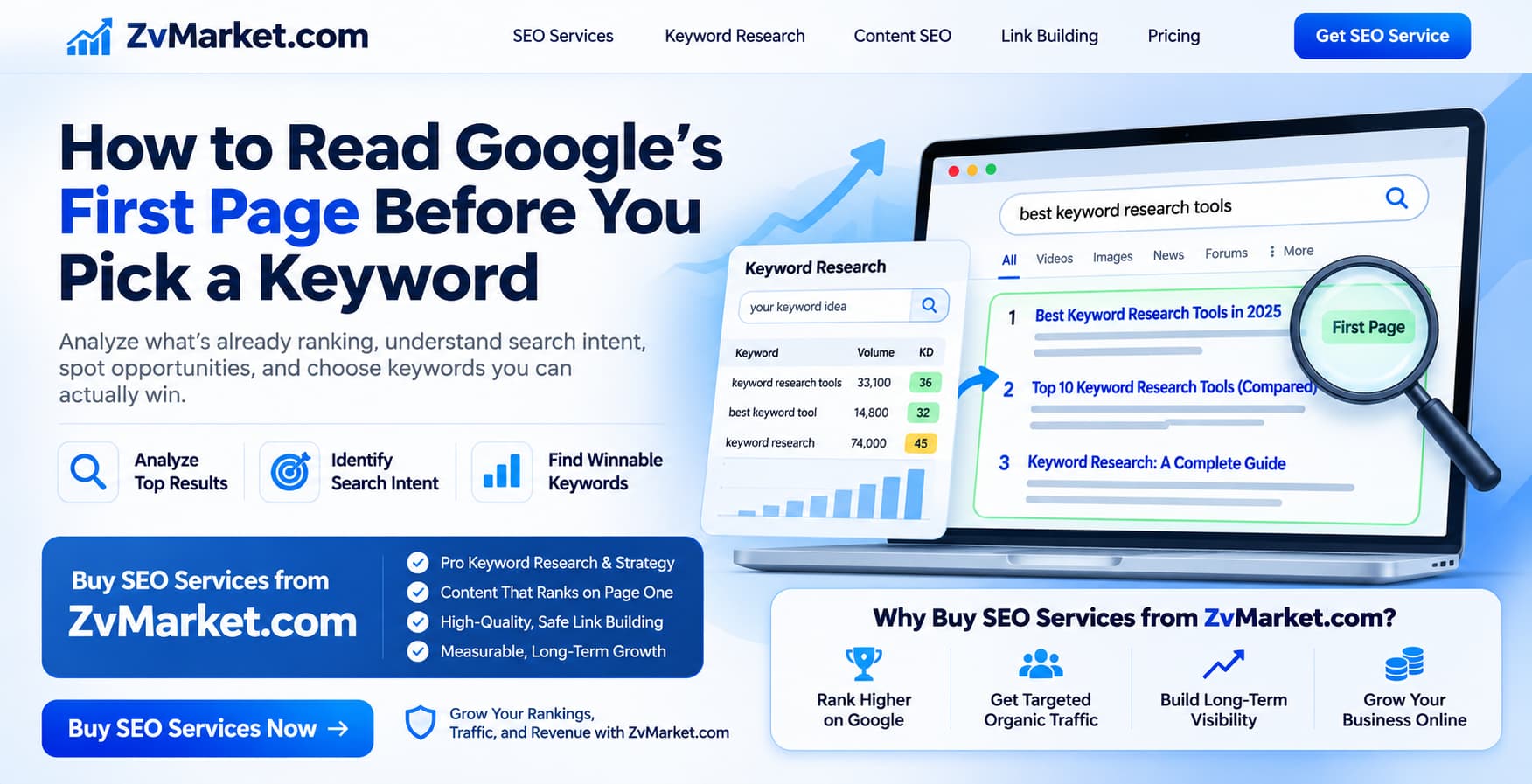
How to Read Google’s First Page Before You Pick a Keyword
-
November 27, 2026
A keyword can look perfect in a spreadsheet and still point to the wrong article. Search volume tells you how often people may look for a term. The results themselves tell you what kind of answer Google is currently showing. Reading Google’s first page before you pick a keyword helps you choose a format, find a useful angle, and decide whether the work makes sense for your site.
If the results are dominated by familiar names, learn how a small website can spot winnable searches.
Use a real query you are considering and open the results from the country you want to reach. For a local query, check the relevant city when possible. Search results can change with location, device, language, and time. Treat what you see as a dated observation. Record the query and date so your editorial team can repeat the check later.
Record what you see on Google’s first page
For each main organic result, collect the title, URL, page type, format, and angle. The page type can be an article, category page, product page, location page, or tool. The format can be a checklist, walkthrough, comparison, calculator, or original study. The angle identifies what the result emphasizes, such as a beginner audience, a specific location, current prices, or a fast decision.
Next, record the other features that take up space. Look for ads, Maps, shopping results, videos, question boxes, and AI-generated summaries where they appear. These features help you understand what Google thinks can satisfy the search and what is visible on the device you checked. Google’s visual elements gallery shows how common result types differ.
A useful worksheet can be as simple as one row per result and a final note that describes the overall mix. Ignore the urge to score everything. For a first pass, a short written observation such as “mostly buying guides, plus three category pages and shopping results” is more informative than an arbitrary difficulty score.
Read the dominant search intent
Ask what the searcher wants to do. Someone searching “how to clean a standing desk” generally wants instructions. Someone searching “best standing desks for a small home office” is probably comparing alternatives. A search for a named desk model may be about price, availability, or reviews. Each query asks for a different type of help even though all three look relevant to the same retailer.
Use Ahrefs’ guide to search intent to see how page type, format, and angle work together. If most results are guides and your plan is a generic product page, reconsider the brief. A short buying guide that explains fit, size, and assembly may better match the results. It can also link to a category page when a reader is ready to shop.
A mixed results page can signal multiple reasonable interpretations. Write down each one. If the distinction depends on a feature or audience, try a more specific query and compare the results. A modifier such as “for beginners,” “on WordPress,” or “for one location” may turn a vague topic into a clear assignment.
Read the pages, not just the title links
Open three representative results and skim the parts that do the work. Look for original testing, screenshots, subject expertise, data, a template, or a tool a reader can use. Read the publication date in context. A current-looking title may lead to old screenshots, and an older page may still answer an evergreen question well.
Then write down one meaningful choice the reader still has to make after visiting those pages. For example, existing guides on booking software may all list features, while none explain how a team migrates its existing appointments. A step-by-step migration guide with screenshots and a checklist could be useful if your team has firsthand experience with the process.
Quality is specific to the task. A complete answer to a narrow question can be short. A complex comparison may need documented testing, pricing dates, and trade-offs. Use the search results as evidence of demand and format. Build the actual article around what you know and can demonstrate.
Consider how much attention the organic results receive
On a phone, features above the organic results can take up most of the screen. A term with a large volume estimate can produce limited clicks to websites if searchers can get a simple answer directly on the results page. Conversely, a detailed task that requires a template or step-by-step instructions can give readers a good reason to visit.
Look at the likely click opportunity rather than assuming every impression is equal. If useful organic pages are buried and the query asks for a quick fact, consider a closely related question that requires explanation. If videos dominate and your business can make a useful demonstration, a video-supported article may fit the search better than text alone.
Turn your observations into an editorial brief
Write five lines before you commit. State the query, the reader’s goal, the page type, the distinctive evidence you can supply, and the next action that makes sense after reading. Keep the next action proportional to the topic. A reader comparing options may want a checklist, while someone who has identified a problem may want a service page.
Consider a small software company evaluating “employee onboarding checklist.” It might find templates, downloadable documents, and broad guides. If it mainly serves distributed teams, a more focused article about remote employee onboarding could include a real handoff sequence for managers, IT, and HR. The narrower assignment gives the writer a clearer job and a way to add experience the broader pages may skip.
Give the keyword a decision. Publish when the opportunity fits your audience and you can supply something useful. Refine the query when the results are mixed. Save it for later when the topic requires evidence you cannot produce yet. Reviewing three or four candidates this way is often more productive than committing to the largest number in a keyword tool.
When a promising topic needs promotion
Once you have a clear brief and a page worth sharing, ZvMarket’s first-page SEO link-building service can help you delegate manual link-building work around a priority page. Buying support can make sense when your team can produce a useful article but lacks time for researching relevant sites and following up. Give the campaign a specific audience, a genuinely useful resource, and an editorial reason another website might reference it. Ask what types of placements and reporting are included so you can evaluate the work against your brief.
You May Also Like

-
Nov 27, 2026
Attorney SEO keywords are most useful when they show what the searcher wants to do next. A person looking for...
-
Nov 27, 2026
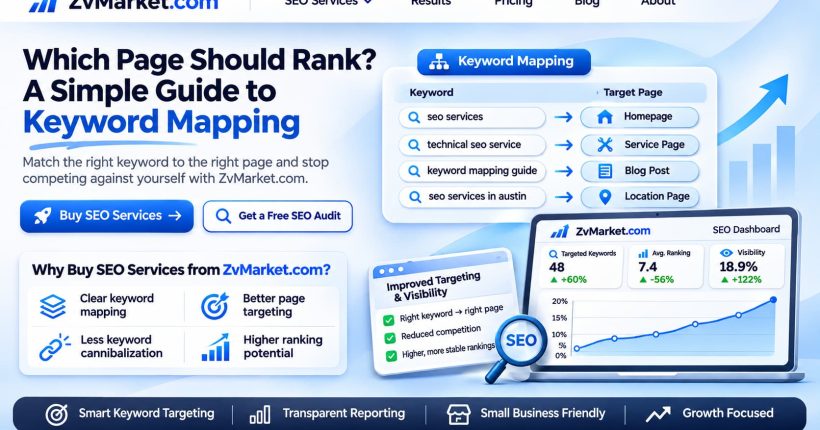
Keyword mapping matches a group of searches to the page best equipped to answer them. It is a practical editing...
Sign up to receive our latest updates
Get in touch
Address
108 Imperial Ave, Winnipeg, MB R2M 0K7, Canada
Wolf@zvmarket.com
