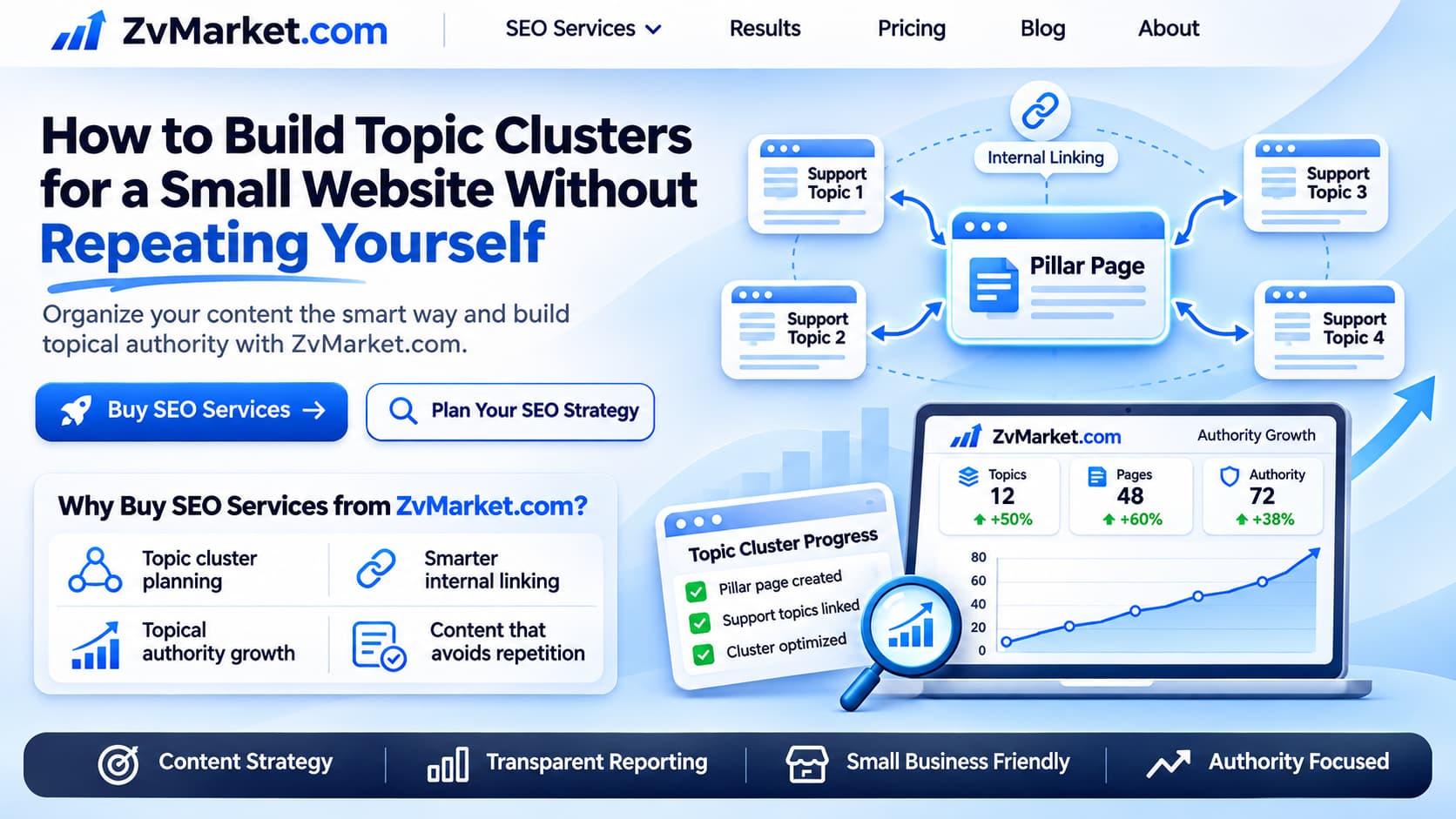
How to Build Topic Clusters for a Small Website Without Repeating Yourself
-
November 27, 2026
Topic clusters help a small website organize related pages around one reader need. A good cluster has a clear starting page, a few pages that answer genuinely different questions, and internal links that tell readers how those answers fit together. The hard part is deciding which ideas earn a page of their own. When every new article repeats the same introduction and recommendation, the website becomes harder to use and maintain.
Start with a subject you know well enough to teach. A bicycle shop could build a cluster about commuting by bike because it regularly helps riders choose equipment and solve comfort problems. A small accounting practice might focus on invoicing for independent tradespeople. Build around real tasks that support an existing part of the business, then give each task a clear home.
Choose a hub with a useful job
The hub introduces the subject and helps readers choose a next step. It can be an evergreen guide, a resource index, or a service overview if that is what people need. Think about the first questions someone asks before they know which details apply. A commuter cycling hub might explain what changes when a ride is hilly, long, or mostly in wet weather. It can then point people toward a more specific guide.
Sketch the hub before writing the supporting pages. Name the audience, the outcome, and where the page should stop. If the hub already contains a complete explanation of tire pressure, a second page that repeats the same material may add little. If readers need a table for different tire widths with instructions for checking sidewall limits, that is a more concrete assignment. The Ahrefs topic clusters guide offers examples of how hubs and supporting pages can be organized.
Separate pages by the reader’s decision
List questions your team actually hears. Group each one by what the reader is trying to do. “What should I carry on a bike commute?” and “which essentials should I pack for work?” can usually share one checklist. “How do I stop a backpack making my shoulders sore?” may call for different advice, a comparison of carrying options, and a different supporting page. Compare the search results if two assignments are hard to separate. Similar results can signal that the questions share an intent.
Write a one-line brief that starts with what the reader will achieve. Add a sample heading and a concrete example of what the page will contain. If you cannot name something useful that belongs on one page and would feel out of place on the other, combine them before commissioning the work. One well-organized page is easier to improve when readers bring new questions.
Draw the cluster with three to five strong supporting pages
A small site can start with a hub and three useful articles. The bike shop might publish a commuter gear checklist, a guide to carrying a laptop in wet weather, and a worksheet for choosing lights based on where you ride. Each article gives readers a different outcome and uses different evidence. Keep the hub’s summaries short so readers can choose the right next page without reading three versions of the same answer.
Start from pages you already have. Some may need a clearer title or a better introduction. Others may already do their job and only need a link from the hub. A spreadsheet with columns for URL, reader task, related pages, and status makes the next step visible. When two drafts are similar, outline both side by side and use the stronger one as the starting point for a combined page.
Add links where readers actually need them
Link from the hub to each supporting page using anchors that describe where a reader will go. Link back when someone reading a narrow guide might need broader context. Add a link between supporting pages only when there is a useful relationship. A page about wet-weather laptop bags can link to a gear checklist when describing what still needs to fit. It has little reason to link to every other article in the cluster.
Use a navigation route readers can understand. Important pages should be reachable without a site search. Include text descriptions where links alone are ambiguous and make links easy to identify on mobile. Google’s SEO Starter Guide explains how links and logical organization help people and search engines find related pages. Check that old internal links still reach the correct destination after any consolidation.
Review the cluster as it grows
Once pages have impressions, compare the queries that lead to each URL in Search Console. You may find that two URLs answer the same task from the viewpoint of a searcher. Read them again and decide whether one can be more specific, or whether the stronger information belongs in a single destination. Sometimes the result is exactly what you intended. A commercial page and a how-to guide can both serve audiences interested in the same subject.
Make changes based on the reader’s journey as well as traffic. Ask someone to enter through a supporting article and find the hub or another relevant guide. If they cannot, improve the links and the wording around them. Check that examples still match your current product, process, or service. A maintained cluster can support future writing because it shows where new questions fit and where an existing page should absorb them.
Set a review date as soon as you publish the first cluster. Assign one person to check broken links, stale examples, and unanswered questions. If a proposed new article simply restates an existing answer, the next maintenance task may be improving an established page instead of publishing another one.
When to promote a useful cluster
If your cluster has a strong resource to share, ZvMarket’s First Page Formula package can help with manual link building around that resource. Buying support can make sense when you know which page would benefit from relevant coverage and your team has limited time to pursue it. Share the hub, the most useful supporting page, and the audience each serves. Agree on what a relevant placement looks like and how it will be reported so you can evaluate the package against a specific goal.
You May Also Like

-
Nov 27, 2026
Real estate blog topics for sellers work best when they help homeowners make a decision before they contact an agent....
-
Nov 27, 2026
An SEO roadmap gives a site with zero search traffic a sensible order of work. You need pages that search...
-
Nov 27, 2026
A small website can outrank big brands when it answers a specific search more completely and credibly. The opportunity usually...
Sign up to receive our latest updates
Get in touch
Address
108 Imperial Ave, Winnipeg, MB R2M 0K7, Canada
Wolf@zvmarket.com
