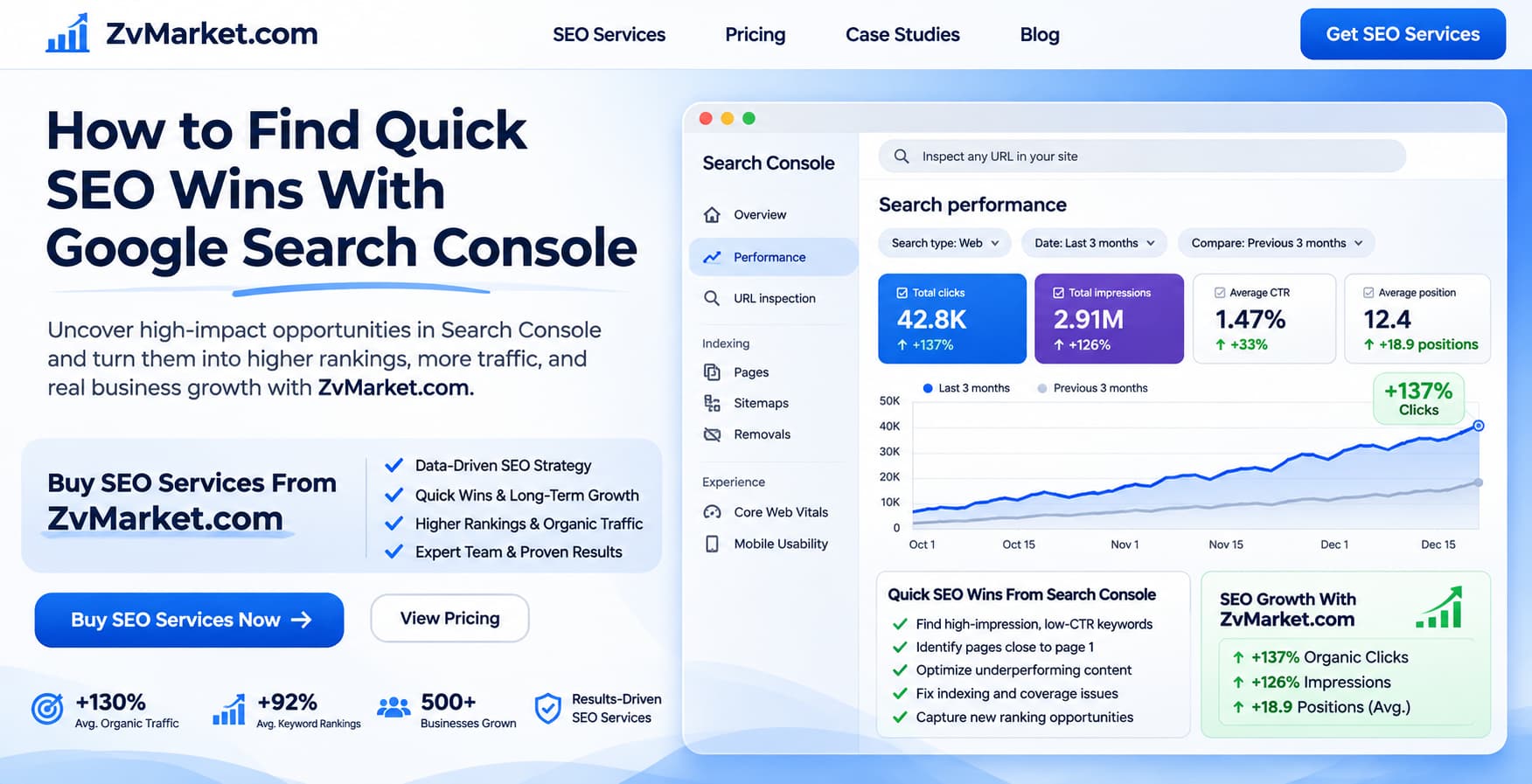
How to Find Quick SEO Wins With Google Search Console
-
November 27, 2026
You can find quick SEO wins in Google Search Console by looking for pages that already get impressions. A useful quick win is a change you can make soon and measure against an existing baseline. The search results may take time to reflect the change. Start with URLs that already receive impressions, then decide whether the best opportunity is an improved search snippet, a better answer, a clearer page choice, or a stronger internal link.
For a more focused diagnosis, see what to check when a page gets impressions but no clicks.
Before you begin, select the right property and open Performance, then Search results. Choose Web search and a date range that produces enough data for your site. Comparing the last 28 days with the previous 28 days is a workable starting point for a stable site. A seasonal business may need the same period last year. Record the date ranges, country, and device so that you can repeat the comparison later.
Shortlist quick SEO wins using page and query data
Turn on clicks, impressions, click-through rate, and average position. Open the Pages tab and look for URLs that serve an important business topic and have meaningful impressions. Select one URL to filter the report, then open Queries. This shows which searches are responsible for that page’s visibility. Keep the queries whose intent fits the page.
Create a worksheet with one row per page-and-query pair. Include the date range, existing metrics, opportunity, proposed edit, and a review date. The Ahrefs guide to using Google Search Console offers examples of ways to apply the data. Keep your first shortlist small enough to review every result manually.
Average position is a directional measure. A query with an average position of 8 may have appeared in different positions across devices or locations. Search Console can also omit some queries from the table to protect privacy, so the visible query rows may not add up to the displayed total. Use query-level data to investigate patterns and aggregate data to understand the broader trend.
Find a page that already ranks for a useful variation
Look for relevant terms with recurring impressions and visibility near results where a better page might earn more visits. Use positions five through fifteen as a place to start, then adjust for your own site and the query. Open the live results and confirm what the person likely wants. Identify one useful section, example, or clarification that your page can add.
For example, a guide to invoicing software may already appear for “how to add a late fee to an invoice.” If readers need a worked example, add a clear calculation and explain the assumptions you used. Give the section a descriptive heading and link to it from the part of the article where someone first encounters the topic. A paragraph that merely repeats the variation will do little for the reader.
Look for declines you can explain
Use Compare to find pages that lost clicks between equivalent periods. Check whether the fall came from one query or a broader group. If clicks and impressions fell together at a similar position, changes in demand may explain part of the drop. If position declined for important queries and newer results now serve them better, review gaps in the page. Keep site changes, product releases, and seasonality in mind.
If the old page was useful and the search intent still fits, update what actually changed. Replace expired examples, clarify a step, or add a missing comparison. Add the edit to your log. If a new page recently took over impressions for the same query, decide whether that is desirable before changing the original. A drop in one URL can be fine if the better page now serves the same audience.
Search for click-through opportunities with enough data
Find pages with solid visibility for a relevant query and relatively few clicks. Compare like with like. A broad informational result on a mobile screen may have a different click pattern from a branded desktop search. Open the actual results and look for competing page titles, rich features, and the page Google displays from your site.
If the headline is vague, write a more descriptive title and align it with your main heading. If the summary omits a distinctive feature, update the description and ensure the page supports it. Change one clear promise and record the date so you can interpret the result. A useful change makes it easier for the intended reader to decide whether your page is worth opening.
Find a page worth linking to from an existing article
Search Console’s internal links information can show which pages already attract more links from your site. Combine that with a manual review of related posts. Identify one page that can introduce a useful next step and link to the priority URL beside a relevant example. Make the anchor specific enough to be useful when read on its own.
Review whether the linked page has a clear job. If it responds to essentially the same question as its source, determine whether you really need both pages. If the pages have distinct roles, an internal link can guide readers efficiently between them and clarify the relationship. Google’s overview of Search Console explains where to find the main performance and inspection controls.
Measure the change before moving to the next batch
Start with three to five updates on different pages. Save the starting metrics and note what changed. Recheck the same query, page, country, and device after enough comparable impressions accumulate. If visibility or demand changed substantially, avoid attributing every movement to your edit. Record an inconclusive result when the sample is too small, then give it more time.
When Search Console reveals a page ready for promotion
If the data points to a useful page that already earns recurring impressions, ZvMarket’s first-page SEO link-building service can help you delegate manual link-building work around it. Paying for support can make sense when you have corrected the obvious content and technical issues and your team lacks outreach capacity. Send the priority URL, a short description of its audience, and the specific queries you want to watch. Ask what kinds of placements are in scope and how they will be reported so you can measure progress against the baseline you saved.
You May Also Like

-
Nov 27, 2026
To track law firm consultations by page, start by distinguishing a request from the actions that precede it. A click...
-
Nov 27, 2026
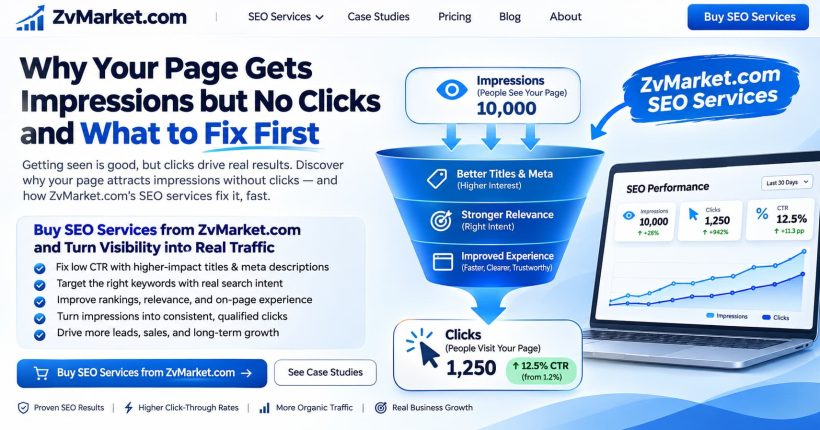
A page that gets Google impressions but no clicks may have a visibility problem, a relevance problem, or a reason...
Sign up to receive our latest updates
Get in touch
Address
108 Imperial Ave, Winnipeg, MB R2M 0K7, Canada
Wolf@zvmarket.com
