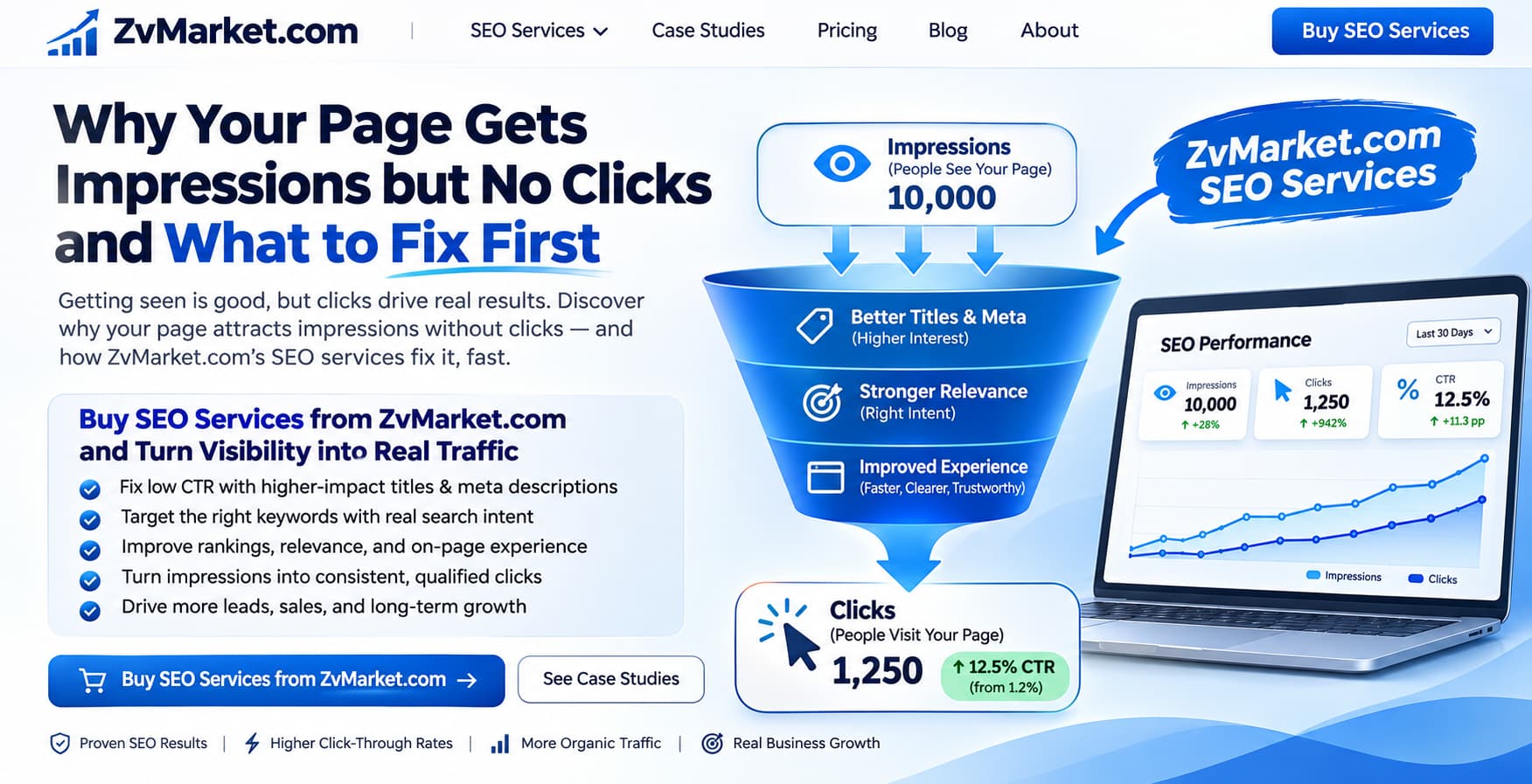
Why Your Page Gets Impressions but No Clicks and What to Fix First
-
November 27, 2026
A page that gets Google impressions but no clicks may have a visibility problem, a relevance problem, or a reason searchers stay on the results page. The numbers alone cannot tell you which. Diagnose one page and one group of closely related queries at a time, then decide whether to improve its visibility, change the search snippet, or refocus the page around a better audience.
If weak visibility turns out to be the main issue, start with these checks for pages stuck on Google’s second page.
In Search Console, an impression records an appearance under the metric’s rules. A click generally measures a visit from a Google Search result to your website. Click-through rate divides clicks by impressions. Google’s guide to Search Console and Analytics explains how those metrics differ from visits and engagement reported in Analytics. Open Performance, select the page, and inspect the Queries tab before changing anything.
First, find out whether anyone had a realistic chance to click
A result with impressions at an average position of 36 behaves differently from one that consistently appears near the top. Open the exact query in the location and on the type of device you intend to serve. Notice where the organic listings appear, what sits above them, and whether your page is visible in the part of the results that a customer is likely to browse.
Position is an average across impressions, so it can hide meaningful differences. A page may appear high on desktop but much lower on mobile, especially when the results layout changes. Check the device and country reports if there is enough data. If relevant searches rarely show your page prominently, investigate topic fit and the quality of the page before obsessing over a description few readers see.
Check whether the impressions come from people you can help
Sort queries by impressions and read the highest volume terms. They may refer to a product you do not sell, a question your page only mentions, or a similarly named business in another country. Open sample results and identify the audience, task, and format they serve.
For example, an article about booking a roof inspection might appear for “home inspection checklist.” Searchers may want a general checklist for buying a home. A snappier title would still send the wrong promise if the page only covers roofs. Make the scope clear and track the inspection-related queries the page can genuinely answer. If a separate broad guide belongs on your site, give it a distinct brief and a useful role in your content.
Read the first screen as a searcher would
Look for ads, Maps, product carousels, tools, videos, and summaries. Some queries need only a date, conversion, or simple definition. Searchers may get enough information without opening any website. Other queries reward depth, examples, or a tool that requires a visit. Visibility can be useful, but measure the kind of action the topic can realistically generate.
Focus your time on relevant searches that give the reader a reason to open a page. A topic like “when do quarterly taxes start” may need a quick fact. A question about organizing quarterly payments with uneven income calls for examples and a process. The second version is a clearer brief for a useful resource. Check that any guide you publish can support its claims and fits your audience.
Improve the title and description when visibility is already reasonable
Start by describing the page in plain language. Put the task or topic early and add a specific detail that helps the reader decide. For example, “A Guide to Reporting” could become “How to Build a Monthly SEO Report With a Sample Dashboard” if the page includes the promised sample. Keep the main heading and introduction consistent with the title. Google may select a different title or snippet when other page text better serves the query.
Write a description that adds information the title leaves out. Say what the reader will learn, compare, or receive. Avoid repeating five keyword variations in the same line. Ahrefs’ guide to writing meta descriptions is a useful starting point for writing a specific, page-level summary. Check the live result again after the edit has had time to appear and remember that snippets may differ by query.
Verify that the right page is showing
In Search Console, filter by the query and open the Pages tab. If Google shows an outdated article or a broad category where a dedicated resource would help more, compare them. Improve links to the page intended for the query and clarify the role of the other page. Inspect the preferred URL if you suspect a canonical or indexing problem.
A ranking page may already be a reasonable fit. In that case, improve its introduction and evidence together with the title and description. A clear headline can invite a click, but the opening should immediately make good on the promise. If the title offers a checklist, make the checklist easy to find. If it mentions examples, give the reader an example early.
How to measure improvements when you get impressions but no clicks
Save baseline clicks, impressions, and average position for one URL, one query or related cluster, and a fixed period. Note the change date and the edited title or description. After you have enough new impressions, compare equivalent time windows and segment for country or device if needed. Position and search demand can shift at the same time, so a higher click rate by itself does not prove the headline caused the change.
For a small site, a change from zero to two clicks may be encouraging without establishing a pattern. Record the sample size and look at traffic quality as data accumulates. Keep edits that clearly make the page easier to understand even when the traffic trend remains unsettled. Save a second test for the next comparable period rather than changing the same page every few days.
When the page needs stronger visibility
If you’ve improved your content and snippet and relevant queries still show the page well below the leading results, consider ZvMarket’s first-page SEO link-building service. Buying this service can make sense when your site already has a defensible resource but lacks time to seek relevant mentions. Identify the priority page and the audience that would value it, then ask how manual placements will support that topic. Agree on reporting you can compare with your Search Console baseline so you can judge whether the campaign supports the visits that matter.
You May Also Like

-
Nov 27, 2026
To track law firm consultations by page, start by distinguishing a request from the actions that precede it. A click...

-
Nov 27, 2026
You can find quick SEO wins in Google Search Console by looking for pages that already get impressions. A useful...
Sign up to receive our latest updates
Get in touch
Address
108 Imperial Ave, Winnipeg, MB R2M 0K7, Canada
Wolf@zvmarket.com
