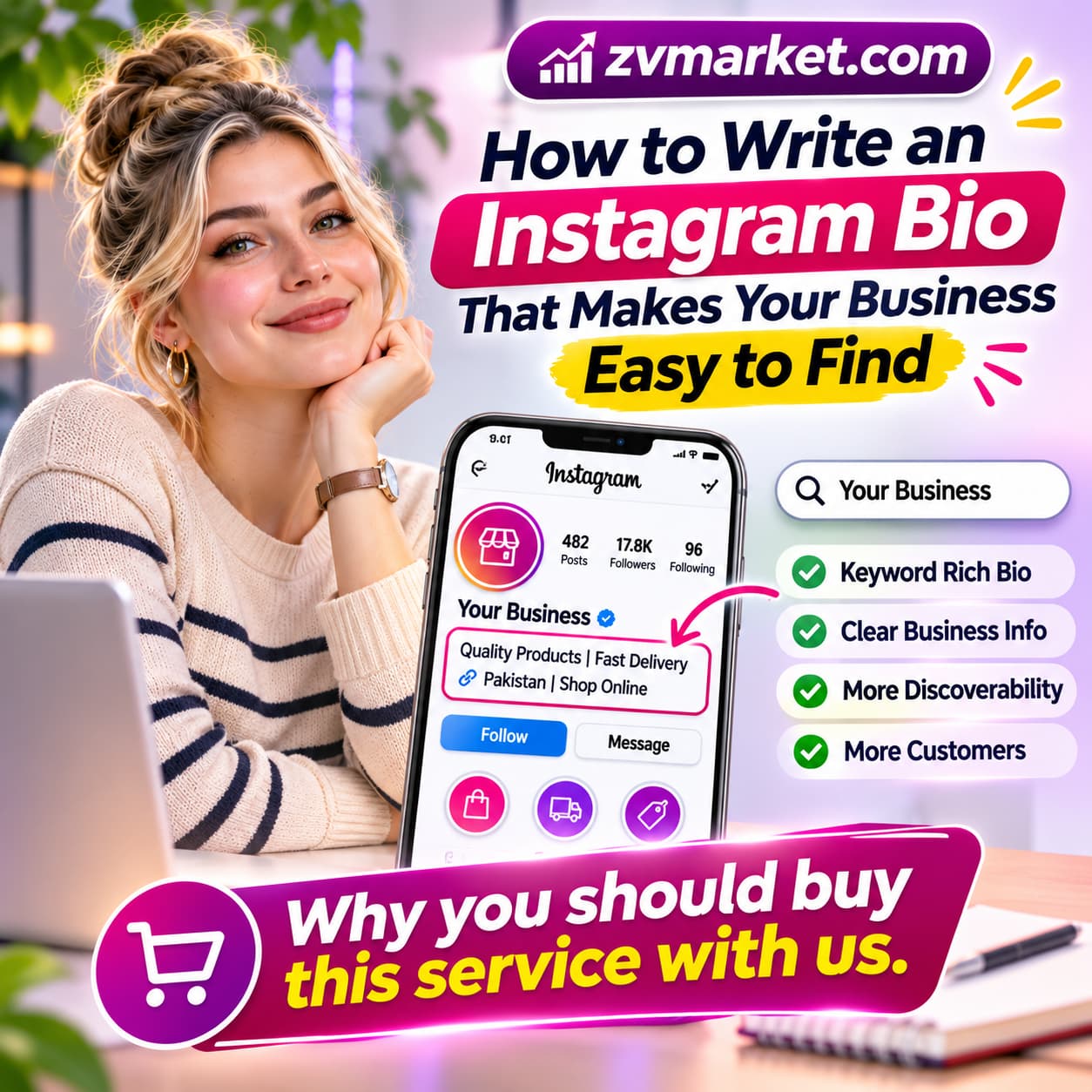
How to Write an Instagram Bio That Makes Your Business Easy to Find
-
November 27, 2026
To write an Instagram bio customers can find and use, explain what your business does in the words those customers recognize. Add the audience or location if it helps them decide whether you are relevant. End with a next step and check that someone can complete it from a phone. A bio is a small space, so each part should answer a question a visitor might otherwise have to send you in a message.
Start by looking at the profile as a stranger would. A person might arrive from a search, a shared post, or a recommendation in another account. They may have little context about what you sell. Show the offer before the brand story and use any remaining space to explain why opening the link or contacting you would be useful. Name a real benefit or scope detail that you can consistently deliver.
Choose a recognizable account name and profile identity
Use a handle and display name that people can recognize and spell. If the business name is common, a truthful descriptor or location can make recognition easier when the field allows it. Keep the identity consistent with the website, signs, or materials customers already see. Check that the main profile image stays legible in a small circular crop and uses colors or marks people will recognize elsewhere.
Review the settings available for your account type. Professional accounts can offer business-oriented profile controls, but availability can vary. Meta’s Instagram business account course provides an official starting point for understanding a business account. Pick a category and contact method that reflect how the account is actually used. Avoid showing a contact button for a route nobody checks.
Put the offer and audience early
Write one sentence that says what you do and who you help. A fictional business might use “Bicycle repairs and tune-ups in North Park.” Readers can tell immediately whether the account serves them. A software consultant might write “Payroll setup for early-stage teams” and include a route to schedule an introductory call. Clear everyday wording can help a person recognize the right account during a quick scan.
Use the description’s remaining space for details that change the decision. A shop might note that it accepts appointments for cargo-bike repairs. A service-area business might name the areas it covers. A digital product might identify the buyer it serves. Avoid listing every service, repeating the same phrase, or relying on a slogan that would fit any account. See Hootsuite’s guide to social media bios for profile structure examples, then adapt the form to the words your customers use.
Give people one obvious next step
Choose the main action someone should take after reading. It could be booking, viewing a current menu, finding opening hours, or asking a question. Use a description of the action near the profile link. Test the link from a phone, including after it opens inside the app’s browser. Keep any scheduling, contact, or pricing information the visitor will see consistent with what the bio promises.
A single destination can work better than a list of unrelated links if the account has one clear goal. If you need several links, put the most useful one first and label each by action. Remove outdated offers and replace a temporary event link after it ends. A reader who arrives from an old shared post should still find a current way to contact the business or learn what it offers.
Check how the bio and the rest of the profile work together
Test your draft with someone unfamiliar with the account. Give them ten seconds and ask what the business sells, where it works, and what they would click. If they recognize the brand but misread the offer, improve the first line. If they understand the offer but cannot find a way to act, check the contact text and link. Make the test practical instead of asking whether the description sounds impressive.
Use a pinned post or an introductory post to support the short bio where appropriate. The post can answer what is included and show a useful example without forcing that detail into the profile. Check the grid and the bio together when you change the offer. An old introductory post should not contradict new hours or tell visitors to use a retired contact method.
Review the wording when the business changes
Save the previous bio, the date of a revision, and what you wanted to improve. Check relevant actions such as profile link visits or inquiries if your tools support them. Ask what questions new customers still send. If people repeatedly ask whether you serve a particular area or sell a particular product, use the words they recognize and make the scope clearer. Avoid interpreting a single rise in profile visits as proof that a particular word caused it.
Keep a short update note in the team’s account inventory. Record who owns the bio, where the approved link points, and when seasonal text should be removed. Check your bio after promotions, moves, and service changes. The best profile is easy to maintain as well as easy to read.
If the business serves several audiences, pick the priority for the main line and use a pinned post or the destination page to explain the options. That prevents the bio from becoming a crowded list.
When to buy help with the profile
Consider ZvMarket’s Social Media Setup service when the account needs a clear bio, consistent presentation, and a dependable contact path. Buying support can save time if those elements are scattered across old profiles, draft offers, or different team members. Bring the customer wording, current offer, and one intended action. Confirm which profiles and setup work are included so your team knows how to maintain what was delivered.
If the revised profile accompanies a substantial and newsworthy business change, consider ZvMarket’s press release distribution service. Buying distribution can support an approved announcement and provide a record of submissions or placements to review. Use that service for the news itself and make your Instagram profile a useful place for readers who look up the business afterward. Confirm audience scope and reporting before you buy.
You May Also Like

-
Nov 27, 2026
Deciding what to post first is easier when you think about what a stranger needs from a new business account....

-
Nov 27, 2026
A Facebook Page vs Instagram business account decision is easier when you tie it to one job for your first...
-
Nov 27, 2026
To set up a Facebook Business Page customers can find and trust, begin with the information they need before they...
-
Nov 27, 2026
A social media setup checklist gives a new business a clear order of work. Start with the people you want...
Sign up to receive our latest updates
Get in touch
Address
108 Imperial Ave, Winnipeg, MB R2M 0K7, Canada
Wolf@zvmarket.com
