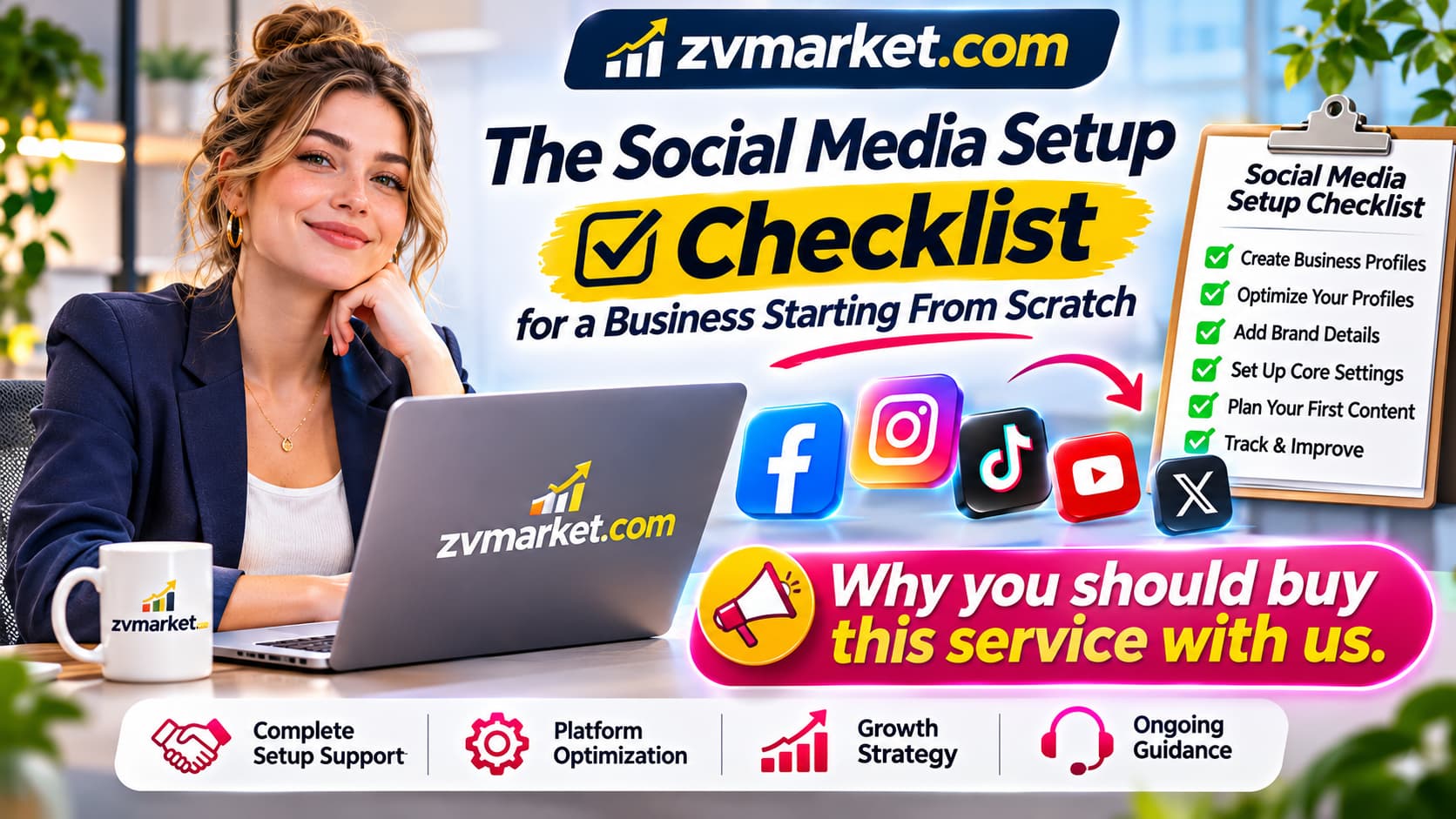
The Social Media Setup Checklist for a Business Starting From Scratch
-
November 27, 2026
A social media setup checklist gives a new business a clear order of work. Start with the people you want to reach and one channel you can maintain. Set up accurate profiles, agree who owns access, and prepare the answers customers need when they find you. Then publish a small number of useful posts and measure whether people can take the next step. You can add other channels when the first one is working.
Begin with a one-page brief. Name the audience, the offer, the location or service area where it matters, and what a visitor should do next. A local workshop may want bookings for repairs. A software company may want people to request a demonstration. The goals shape where you start, what information belongs on the profile, and how quickly someone on your team should respond.
Choose a channel your team can maintain
Look at where your prospective customers already ask questions, compare businesses, and share recommendations. Consider how much time the team has to produce photos, short videos, written posts, or replies. Choose a main channel based on the overlap between audience behavior and what your team can reliably produce, rather than opening every available account immediately. Meta’s small-business social media guide provides a framework for thinking about social media for a small business.
Write down the content formats you can support for the first month. A neighborhood repair shop can show common repairs and answer availability questions. A store might have someone who can take product photos each week. If a channel requires a format the team rarely produces, use it later. Give the first account enough attention to learn what customers actually respond to.
Establish ownership before inviting collaborators
Use a business-managed email and decide who controls account recovery. Follow the platform’s security settings, use strong authentication, and invite staff with their own access rather than distributing a shared password. Document who can post, edit contact details, reply to messages, or approve changes. Give one person the job of reviewing access when a team member leaves or an outside partner finishes work.
Keep a small inventory of profile links, official names, contact details, and who manages each one. Verify the information from a signed-out or public view when available. That check can reveal an unpublished profile, a phone number sending people to a former location, or a link nobody outside the business can open. Store access information in the business’s approved system.
Complete the essentials clients see first
Use the real business name and a recognizable profile image. Write the description in plain language with the offer and audience early. Set an accurate location, hours, or service area if applicable. Add one clear destination for contact, bookings, or the most important information. Check that the link is available on a phone and that the destination matches the promise made on the profile.
Test the account as an unfamiliar visitor. Can a person tell what you sell, whether you serve their location, and how to ask a question? A small business with different weekday and weekend hours should make those easy to find. If a contact button goes to an inbox nobody monitors, fix the route before promoting it. Good profile setup makes the business easier to contact as well as easier to recognize.
Prepare a realistic first week
Draft a short introduction, one post that answers a common question, and one that shows how the business works. Use a clear example with permission as appropriate. Prepare image captions and accessible descriptions, and check that important information is also in text. Each post can have a different job. An introduction establishes identity. A frequently asked question removes hesitation. A practical example proves the team understands the work.
Build a short list of recurring tasks for publishing, checking messages, and reviewing results. Hootsuite’s social media tasks checklist offers examples of tasks to assign on daily, weekly, and monthly schedules. Choose the routine your team can sustain. Agree who replies when the account is busy or during a holiday, and give that person approved answers to the questions that appear most often.
Review the account against a simple goal
Test whether the profile and posts bring readers to the next action. Look at relevant profile visits, contact actions, and the quality of inquiries where your tools and policies allow. Ask staff which questions people repeat. If people frequently ask whether a service is available, add that detail to the description or a post. If views rise and no one clicks through, test the link and check whether it leads to the right offer.
Save a simple before-and-after record of profile changes, posts, and observations. Avoid judging a week of activity against a goal that needs several months. A useful first review asks what customers understood, where they got stuck, and which one fix would make the next week easier. Follow that answer instead of trying to change the whole account at once.
Before launch, do a ten-minute handoff between the person who publishes and the person who handles inquiries. Ask the second person to find the profile, open its link, and locate the approved answers. Record the first point of confusion. Correct one issue, test it again, and add the fix to your checklist. This makes the launch process easier to repeat when you open a second account.
When to buy setup support
If you need a clear, consistent launch and your team is busy serving customers, consider ZvMarket’s Social Media Setup service. Buying support can help coordinate profile information and presentation around one offer and a realistic publishing plan. Bring your approved business details, target audience, and contact route. Confirm which profiles and deliverables are included, and decide who will maintain the accounts after handoff.
If your launch also includes genuinely newsworthy developments such as a new location or partnership, consider ZvMarket’s press release distribution service separately. Buying distribution support can help make an approved announcement available and organize placement reporting. Prepare a factual brief and a media contact before paying. Give the press announcement a different job from your social introduction so each audience gets the information it needs.
You May Also Like

-
Nov 27, 2026
Deciding what to post first is easier when you think about what a stranger needs from a new business account....

-
Nov 27, 2026
A Facebook Page vs Instagram business account decision is easier when you tie it to one job for your first...

-
Nov 27, 2026
To write an Instagram bio customers can find and use, explain what your business does in the words those customers...

-
Nov 27, 2026
To set up a Facebook Business Page customers can find and trust, begin with the information they need before they...
Sign up to receive our latest updates
Get in touch
Address
108 Imperial Ave, Winnipeg, MB R2M 0K7, Canada
Wolf@zvmarket.com
